robots.txt for AI crawlers: copy-paste examples with explanations
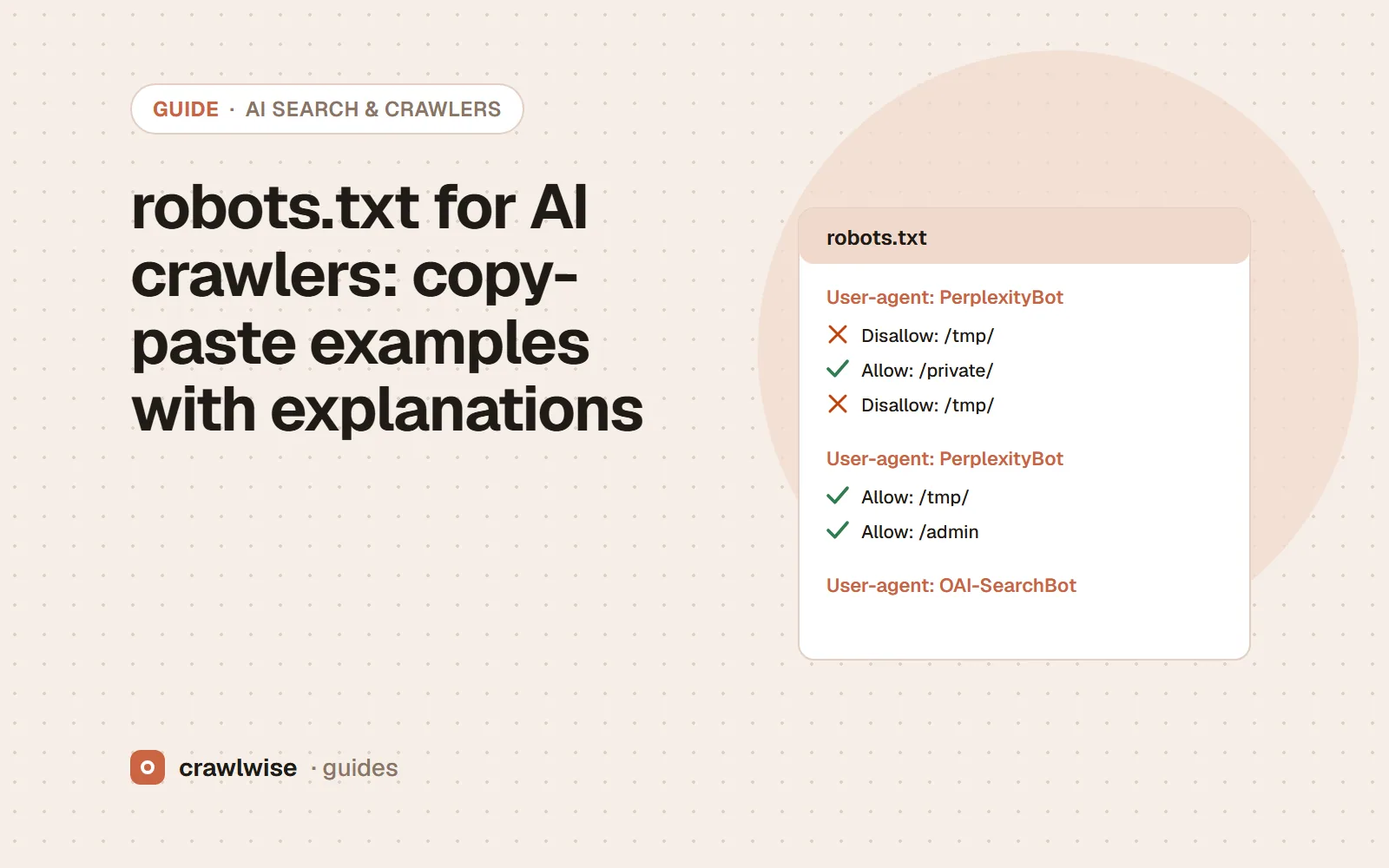
Pick one of three policies. To allow everything, a plain User-agent: * group is enough. To block training but stay in AI answers, disallow GPTBot, ClaudeBot, Google-Extended, Applebot-Extended, CCBot and similar tokens while allowing the search agents. To block everything, name every AI agent and enforce at your CDN for fetchers that ignore robots.txt.
Key takeaways
- Several User-agent lines can share one group of rules.
- A named group replaces the * group for that crawler; repeat shared disallows.
- Tokens like Google-Extended only work in robots.txt, never at the firewall.
- Test the live file after every change.
These files use only user-agent tokens that the vendors document. Replace the sitemap URL and any private paths with your own, then test the live result. Why each crawler is in each list is covered in which AI crawlers should you allow?
How do you allow every crawler?
User-agent: *
Disallow: /admin/

Sitemap: https://example.com/sitemap.xml
No AI crawler is named, so every one of them follows the * group. This is also what a missing robots.txt (a 404) means, minus the /admin/ rule.
How do you block AI training but stay in AI answers?
# Training crawlers and training-control tokens
User-agent: GPTBot
User-agent: ClaudeBot
User-agent: Google-Extended
User-agent: Applebot-Extended
User-agent: CCBot
User-agent: Bytespider
User-agent: Meta-ExternalAgent
Disallow: /

# AI search crawlers and user-triggered fetchers
User-agent: OAI-SearchBot
User-agent: ChatGPT-User
User-agent: Claude-SearchBot
User-agent: Claude-User
User-agent: PerplexityBot
User-agent: Perplexity-User
Disallow: /admin/

# Everyone else, including Googlebot and Bingbot
User-agent: *
Disallow: /admin/

Sitemap: https://example.com/sitemap.xml
Notes on the choices. Google-Extended and Applebot-Extended keep Googlebot and Applebot crawling for Search, Siri and Spotlight while opting out of Gemini and Apple model training; Google-Extended also opts out of Gemini Apps grounding. Meta-ExternalAgent is mixed purpose (training or indexing, per Meta), so blocking it may cost some Meta product visibility. CCBot is an open archive many others use; blocking it is the widest single training opt-out. The /admin/ line is repeated in the search group because a named group does not inherit the * rules.
A named group replaces the star group. If a rule matters, write it in every group that should obey it.
Adnan Arodiya, Crawlwise
How do you block every AI crawler?
User-agent: GPTBot
User-agent: OAI-SearchBot
User-agent: ChatGPT-User
User-agent: ClaudeBot
User-agent: Claude-SearchBot
User-agent: Claude-User
User-agent: PerplexityBot
User-agent: Perplexity-User
User-agent: Google-Extended
User-agent: Applebot-Extended
User-agent: CCBot
User-agent: Bytespider
User-agent: Meta-ExternalAgent
Disallow: /

User-agent: *
Disallow: /admin/
This removes you from ChatGPT search, Claude’s and Perplexity’s indexes, and opts out of training, while keeping Googlebot and Bingbot for classic search. It does not keep you out of Google AI Overviews or Copilot answers, which are built on the regular Google and Bing indexes; those need snippet controls (nosnippet for Google, NOARCHIVE or NOCACHE for Bing). User-triggered fetchers may ignore the file, so add a CDN rule if you need a hard block.
Which mistakes break these files?
- Forgetting the group rule. Adding
User-agent: GPTBotwith onlyAllow: /opens every path you disallowed under*to GPTBot. - Blocking at the firewall by token. Google-Extended and Applebot-Extended never appear in requests; a WAF rule for them matches nothing.
- Serving robots.txt behind a challenge. If the file returns an HTML challenge, crawlers cannot read your policy at all.
- Using robots.txt to remove pages. It controls fetching, not indexing.
What do popular sites’ files look like?
In the Crawlwise AI Crawler Access Report (top-10000 run, 2026-Q4: the first 10,000 domains of the Cisco Umbrella top-one-million list, each probed once on October 1, 2026), of the 1,837 domains with a readable robots.txt, 689 (37.5%) disallow all 17 AI crawlers we test at the homepage — almost always a blanket Disallow: / — while only 140 (7.6%) give different crawlers different answers. Policies like the middle example are still rare. The list ranks hostnames by DNS popularity, so it includes API, CDN and update hosts that never serve a web page, and only the homepage path was probed. Treat the shares as a description of that list, not of the whole web.
How Crawlwise tests this
Generate a file with the robots.txt generator, then paste a path and crawler into the robots.txt tester to see which group and rule decide it. After you deploy, run the AI crawler checker to confirm the live result, including any CDN override.
Every verdict, what counts as a block, and what the checks cannot see are written up on the methodology page.
What a plan actually costs
The free tools stay free. You can open them, run them, and leave without an account. A plan is for the moment you want the report saved, a few sites watched, or the same checks from the API. The price on this table is the price at checkout. A yearly plan is ten months of the monthly price, so two months are on us.
| Plan | Monthly | Credits | A good fit when |
|---|---|---|---|
| Starter | $4.99 | 10 | You look after one site and check it now and then |
| Pro | $14.99 | 40 | A few sites, plus the API and a handful of watched URLs |
| Studio | $49.99 | 150 | Client work that would burn through Pro mid-month |
| Agency | $99.99 | 400 | Many locations, reported under your own name |
A single-page audit is about 1.25 credits, and that includes the live probe of answer-engine crawlers. You see the estimate before anything runs. If a hold is not used, it comes back to your balance. Extra credits, when you already subscribe, are $9.99 for 20.
Frequently asked questions
Can I list several user agents in one group?
Yes. RFC 9309 allows several User-agent lines before one set of rules. Every listed crawler follows that group.
Does Crawl-delay work for AI crawlers?
It is not part of RFC 9309. Anthropic says it supports Crawl-delay; Google ignores it. Check each vendor’s docs before relying on it.
Will these rules stop user-triggered fetchers?
Not reliably. OpenAI, Perplexity, Google and Meta all say their user-triggered fetchers may ignore robots.txt. Block those at your server or CDN if you need to.
Sources
Vendor documentation was read on 2026-10-05. Vendors change these pages without notice, so check the original before you act on a detail.
- RFC 9309 — Robots Exclusion Protocol
- Google Search Central — How Google interprets the robots.txt specification
- OpenAI — Overview of OpenAI crawlers
- Anthropic — Does Anthropic crawl data from the web, and how can site owners block the crawler?
- Perplexity — Perplexity crawlers
- Google Search Central — Google common crawlers (Google-Extended)
- Apple — About Applebot
- Meta — Meta web crawlers
- Common Crawl — CCBot
- Bing Webmaster Blog — New options for webmasters to control usage of their content in Bing Chat (Sept 2023)
- Crawlwise — The AI Crawler Access Report (top-10000 run, 2026-Q4)
Crawlwise crawler check vs checking by hand
Resolves robots.txt groups the way crawlers do (RFC 9309)
- Crawlwise
- Yes, per crawler token
- By hand
- By eye; group precedence is easy to misread
Fetches the page as each AI crawler
- Crawlwise
- Yes, one live request per agent
- By hand
- One curl at a time
Spots CDN and firewall blocks (403, challenge pages)
- Crawlwise
- Yes, with challenge fingerprints
- By hand
- Only if you read the response body
Separates a training opt-out from an accidental block
- Crawlwise
- Labelled separately
- By hand
- Up to you
Sees blocks that only happen in other regions or on real crawler IPs
- Crawlwise
- No — one location, one moment
- By hand
- Only from your own server logs
Meet the author

Adnan Arodiya
Crawlwise
Writes about what Crawlwise actually measures: on-page evidence, crawler access, and performance signals — with the limits stated up front.