Guides
How each site tool works
One guide per tab. Each step has its own annotated screenshot — click any image to zoom in.
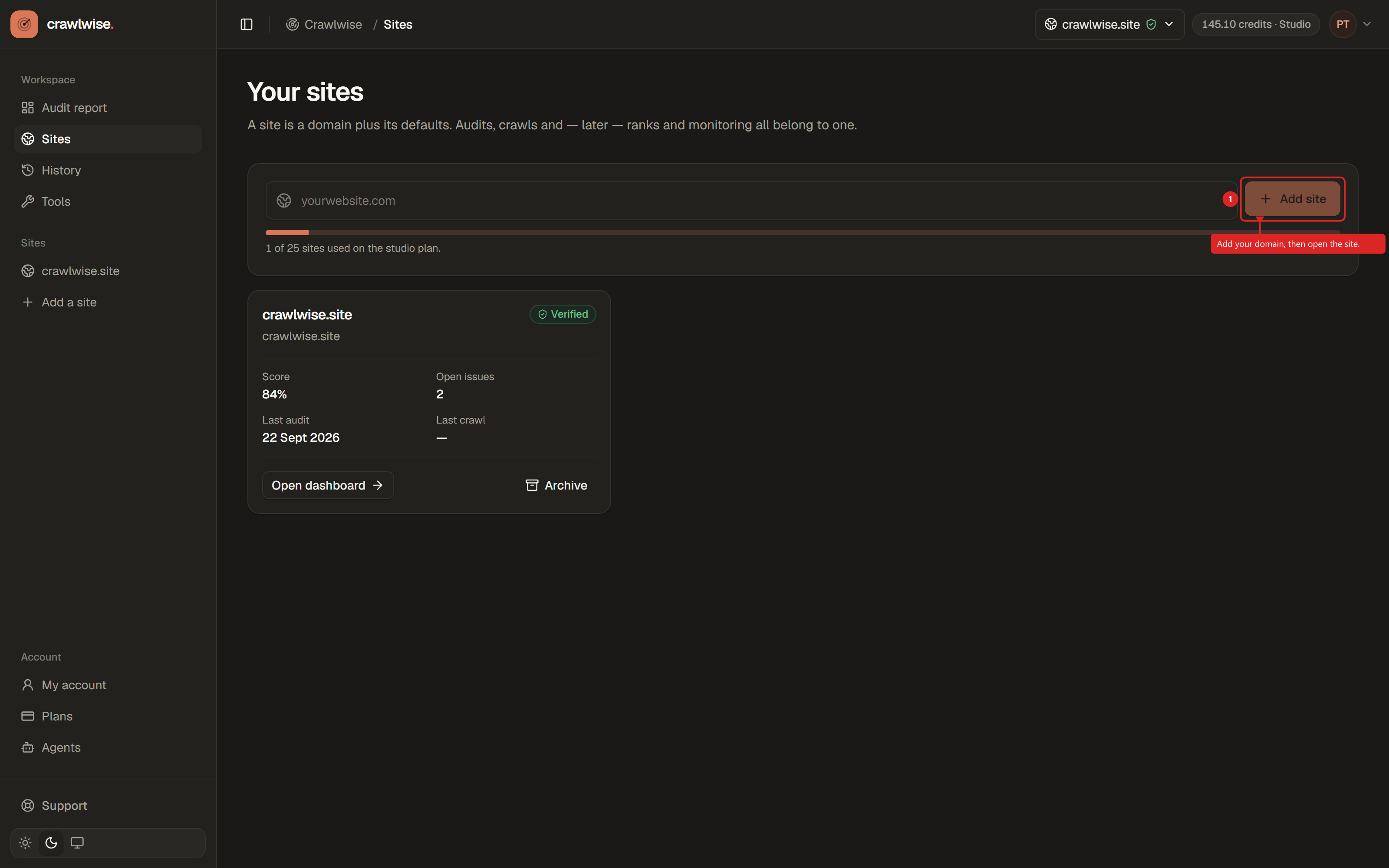
Verify a new site
New sites start as Not verified. Audits, crawls, keywords, backlinks, domain, and competitors work without verification; rank tracking, monitoring, local SEO, and AI visibility require it.
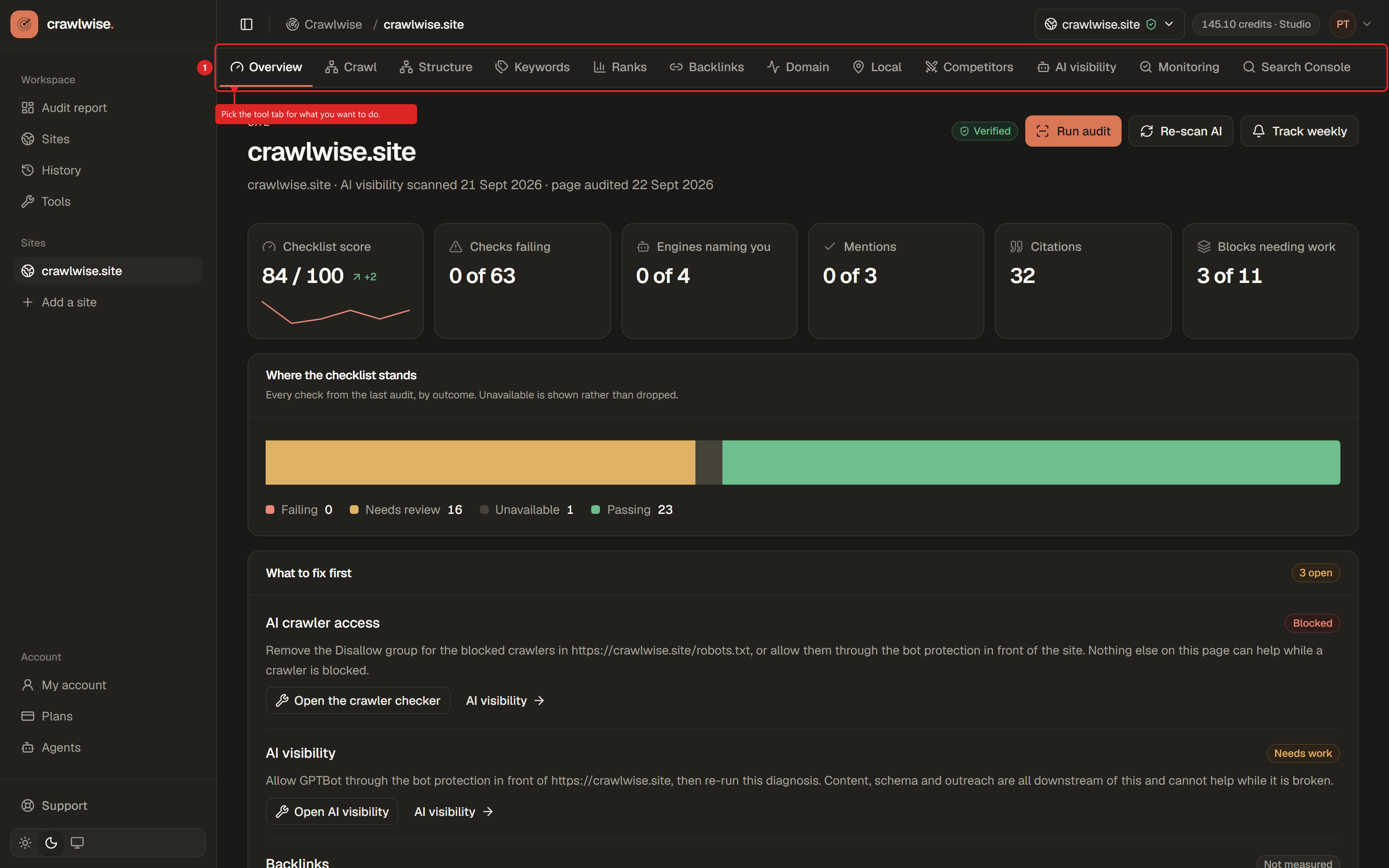
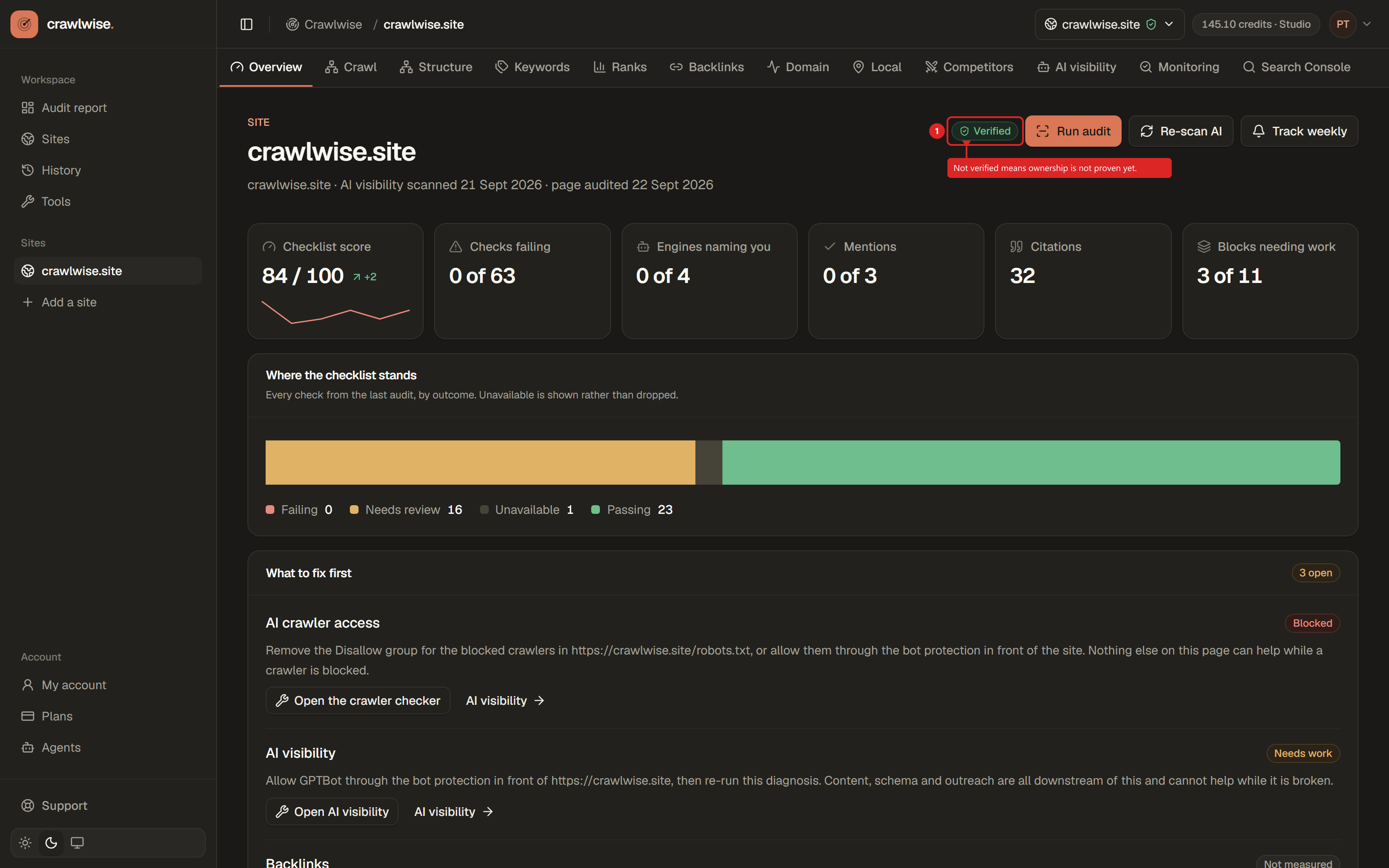
Overview
Start here after you pick a site. If the notice at the top says to verify the site, complete the site verification guide first — then come back to the sidebar and quick actions.
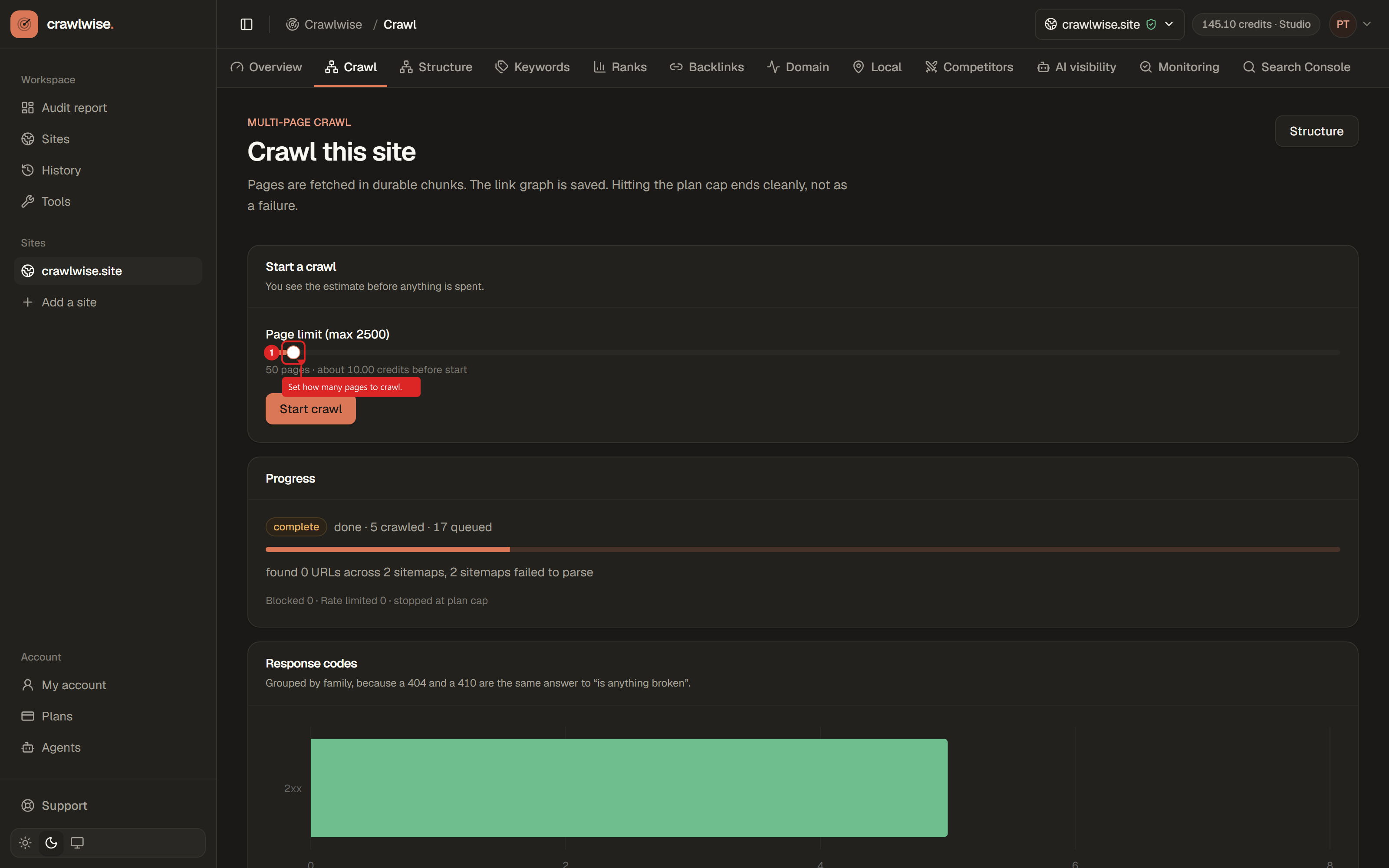
Full site scan
Run a full scan before Site structure or the cross-page checks. Those read from your latest finished scan.
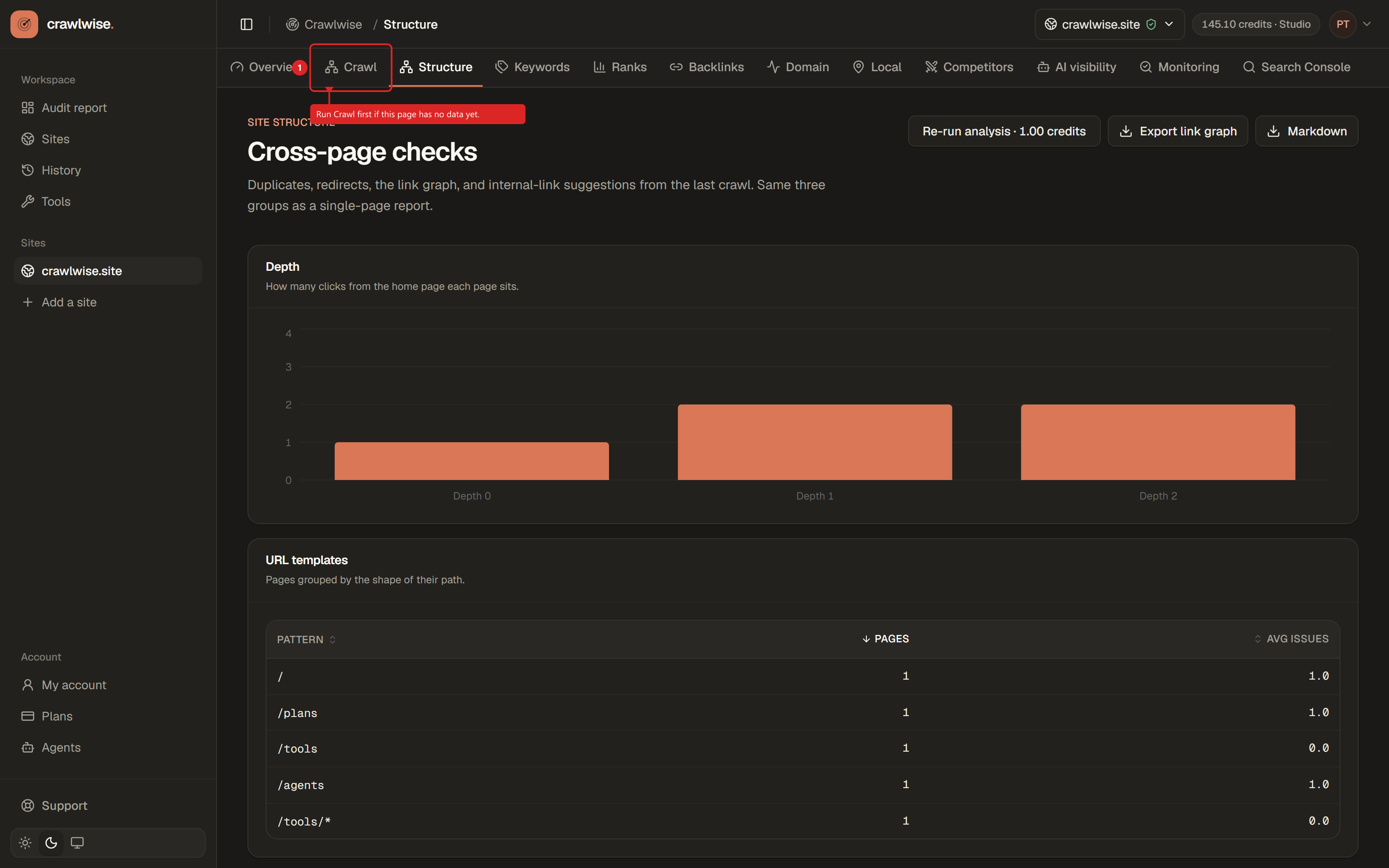
Site structure
Same three check groups as a single-page audit, applied across every URL the full site scan reached.
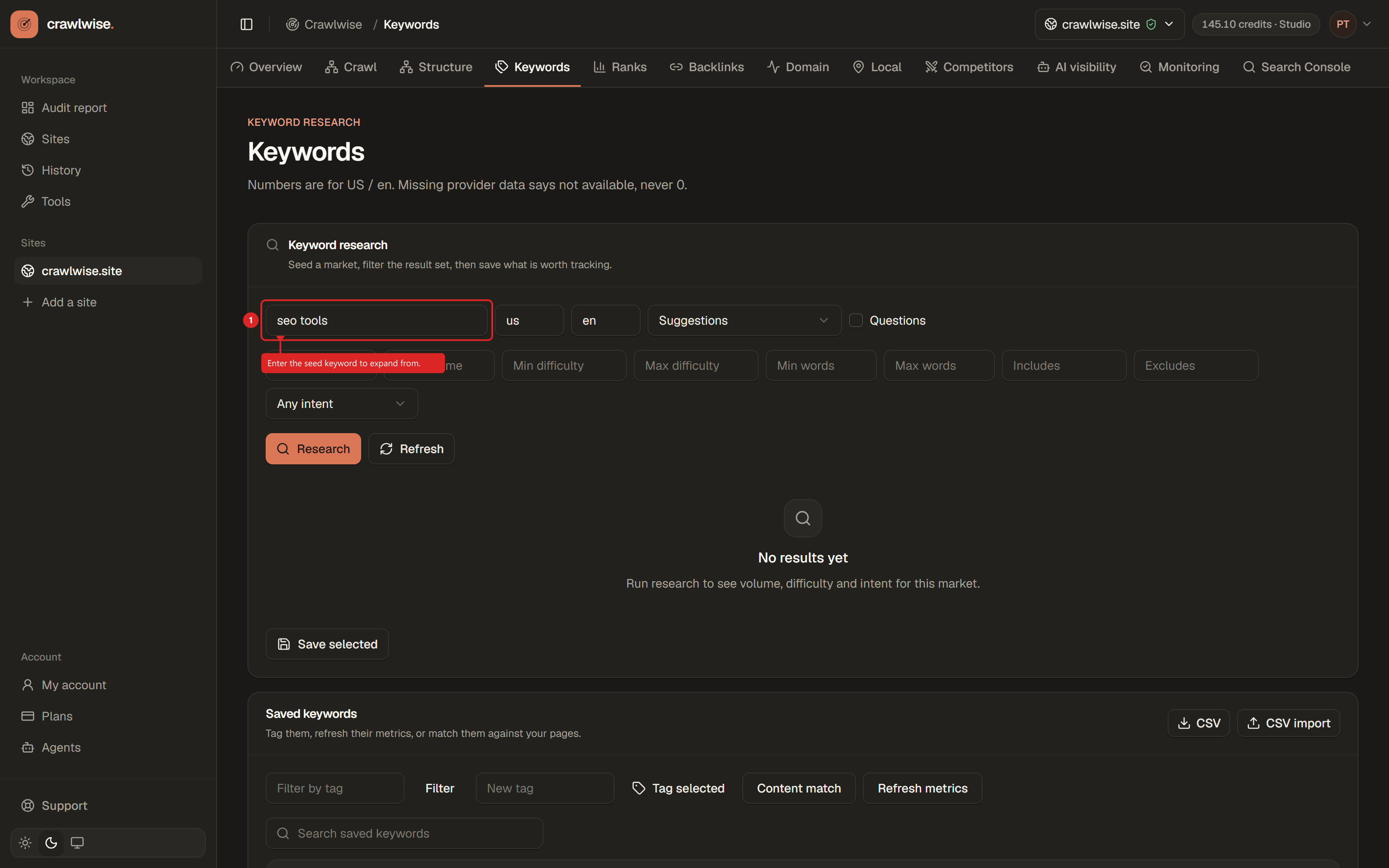
Keywords
Search expands from your topic, not an exact match. Filters narrow what comes back.
Ranks
Verify the site on the overview first, then create a list, add keywords, and Check now — in that order.
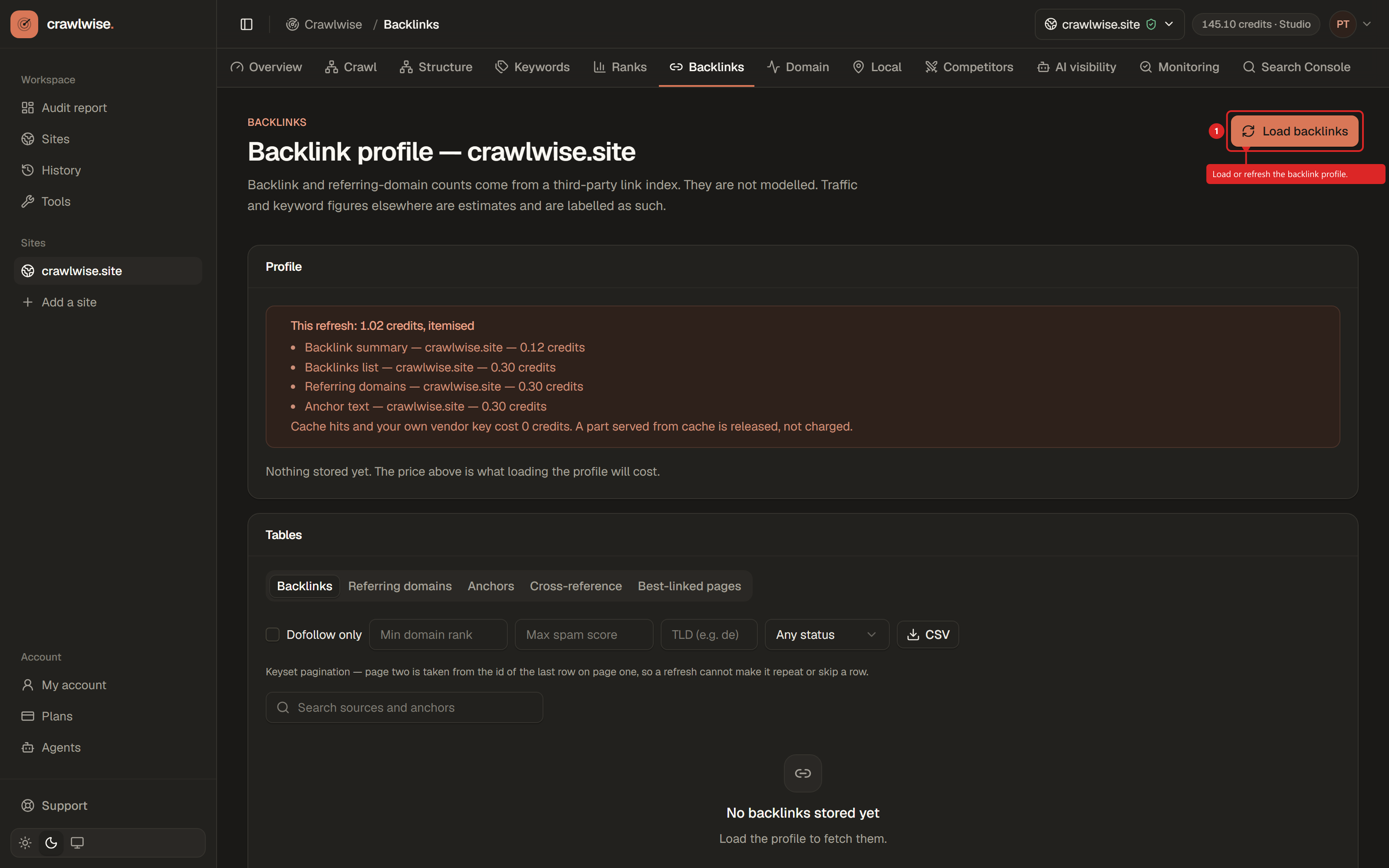
Backlinks
Load the profile once (data under 7 days old is free), refresh when you need current data, then work through the tabs and filters.
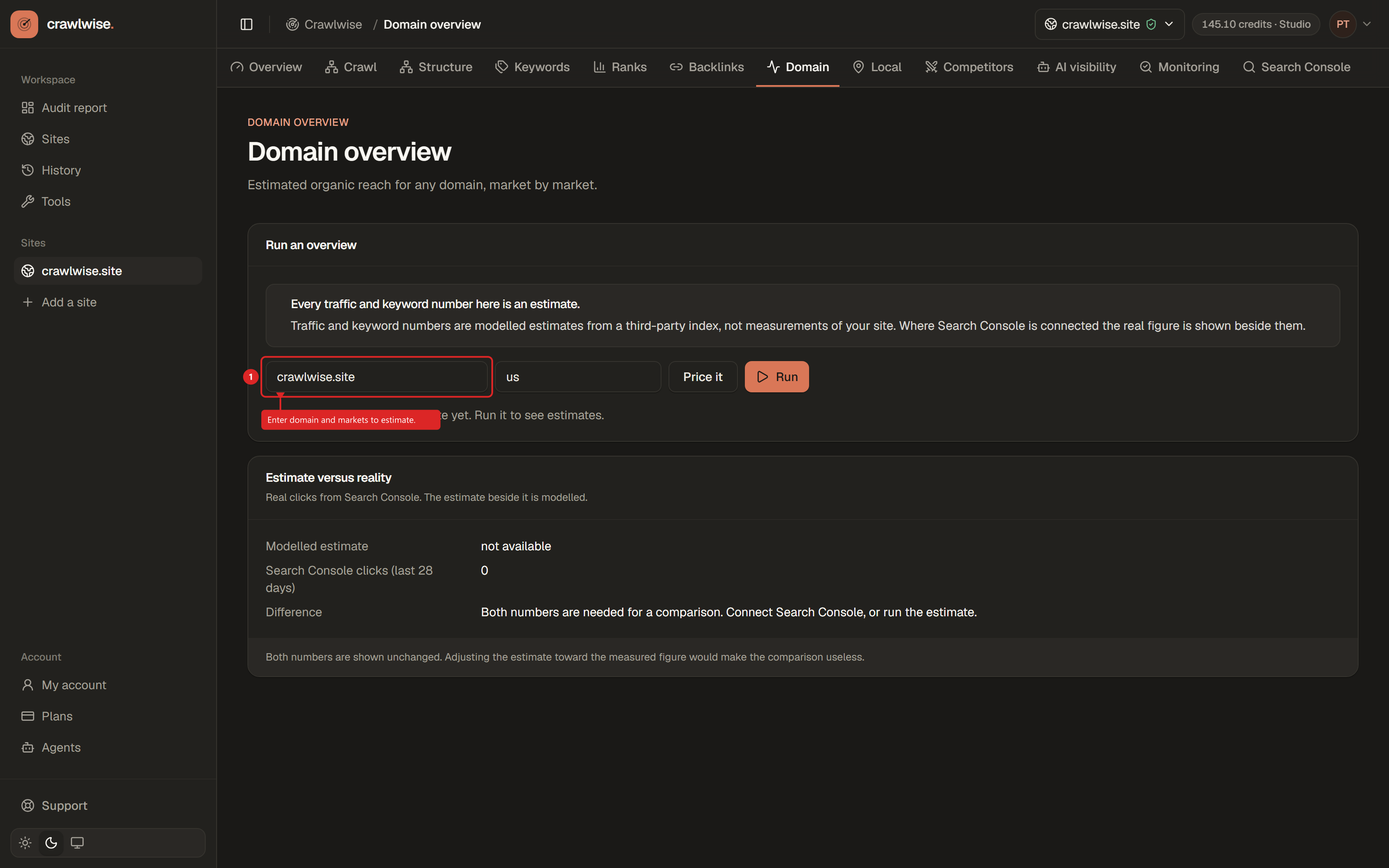
Domain
Enter a domain and markets, price the run, then read the estimates and compare them with your real clicks.
Local
Verify the site first, then pick a business, open a section, and run the priced action you need.
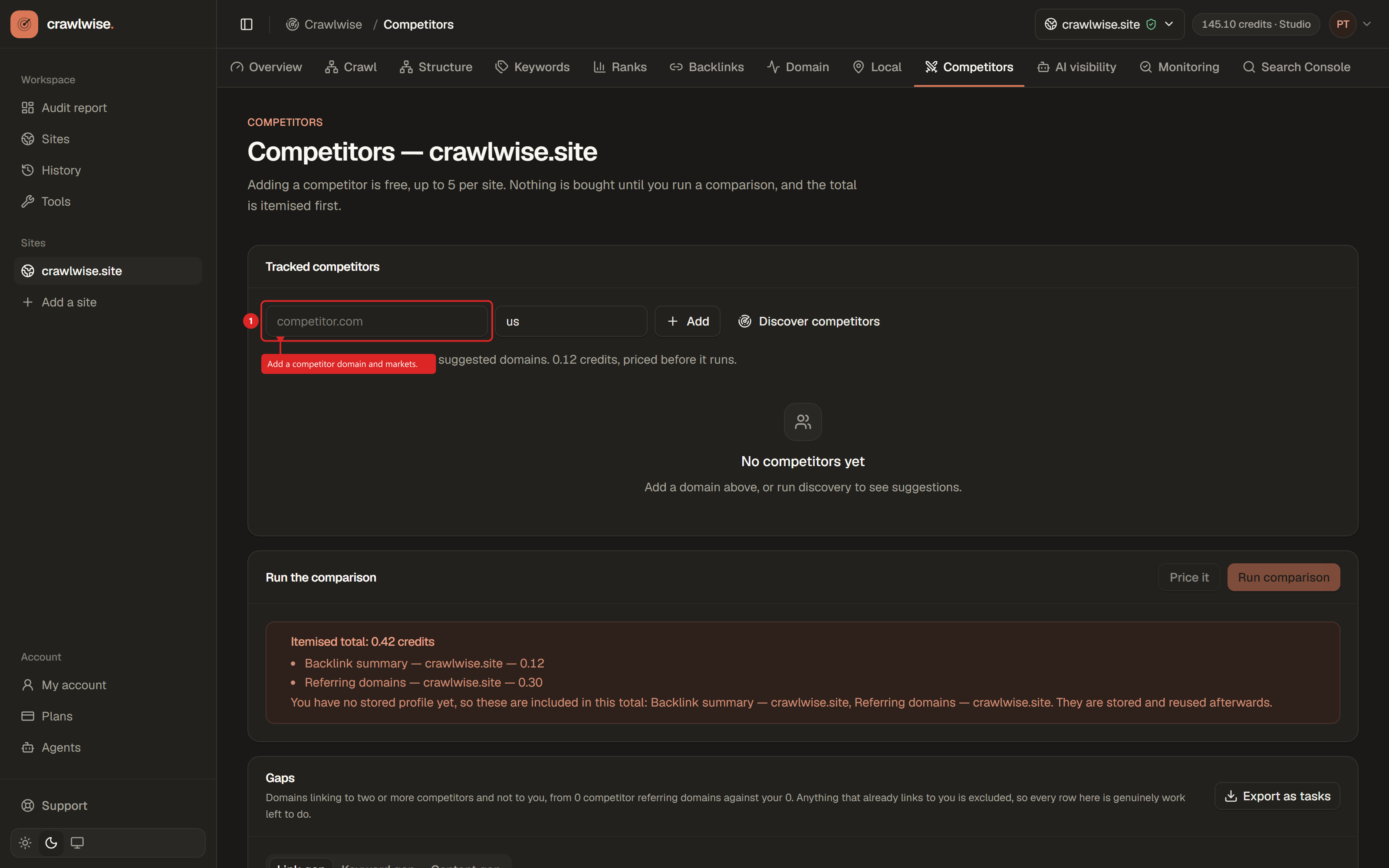
Competitors
Adding domains is free within your limit; credits spend only when you run a comparison or ask for suggestions.
AI visibility
Set your brand and questions, run a scan, then read the answers and the gaps.
Monitoring
Check your plan, add pages to watch, then open the diff when an alert fires.
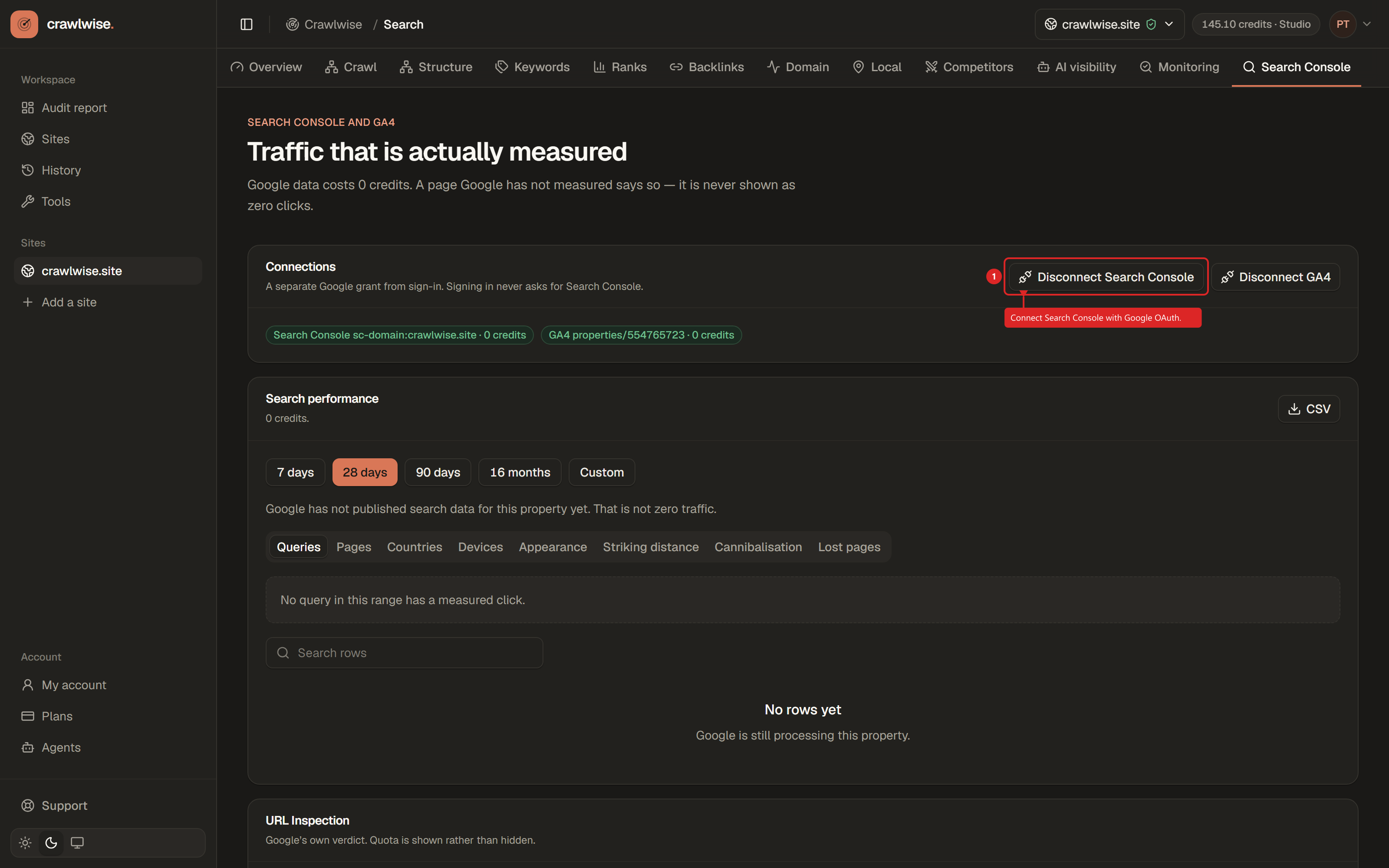
Search Console
Connect Google for free measured data, inspect URLs, then use queries in Ranks.