AI crawler access on Cloudflare: managed robots.txt, AI bot policies and AI Crawl Control
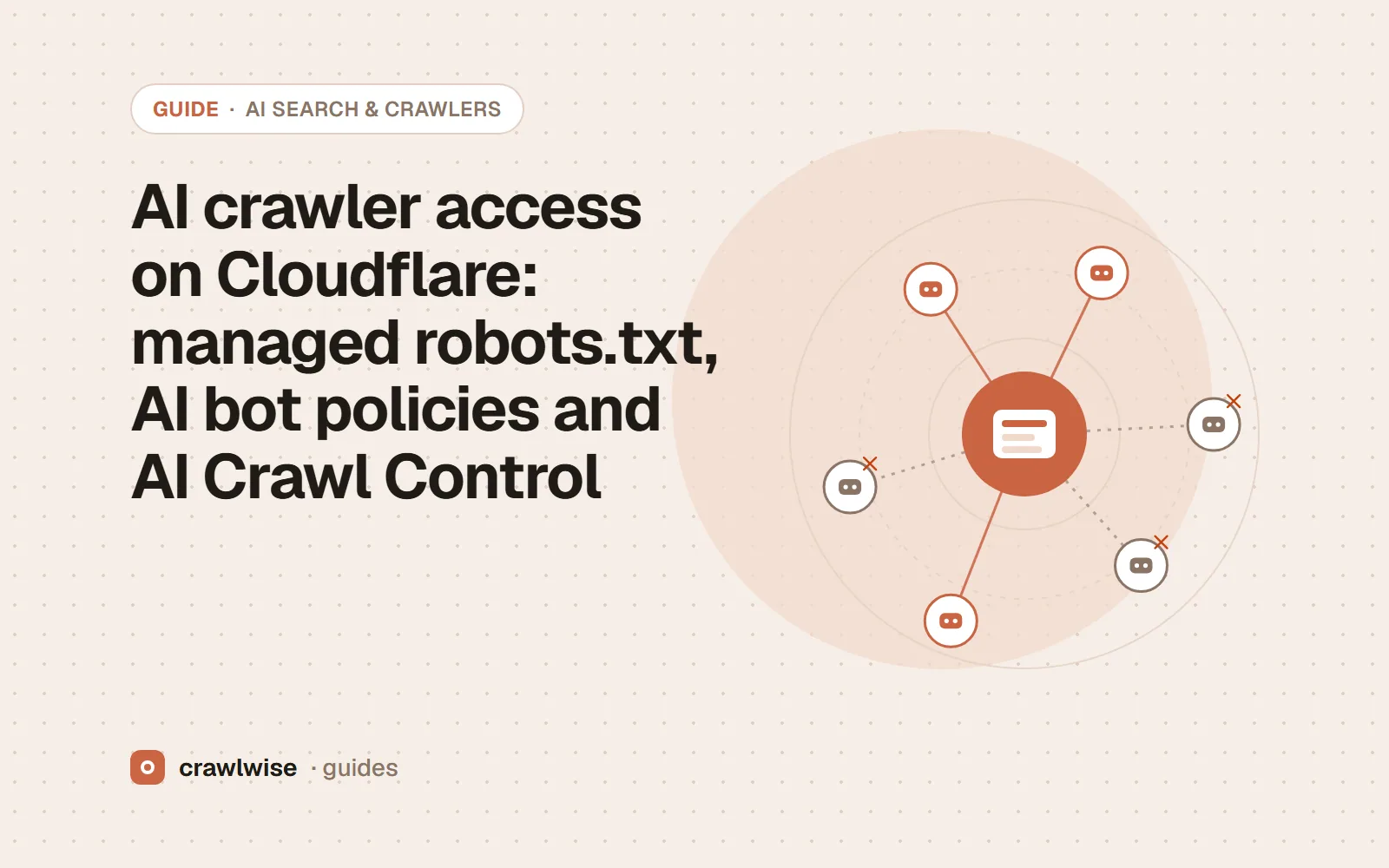
On Cloudflare, three settings decide AI crawler access: the managed robots.txt, which prepends Disallow rules for training crawlers to your own file; the AI bot policies in Security Settings, which block bots at the edge whatever robots.txt says; and AI Crawl Control, which sets allow or block rules per crawler. Check all three, then fetch your pages as each crawler to see the result.
Key takeaways
- The managed robots.txt prepends rules to your own file; it does not replace it.
- Edge blocks apply even when robots.txt allows a crawler.
- Block AI bots is deprecated on September 15, 2026 in favour of AI bot policies.
- AI Crawl Control shows which AI services visit and lets you allow or block each one.
If your site sits behind Cloudflare, your robots.txt is only half of the answer. Cloudflare can add rules to that file, and it can stop a crawler at the edge before the file matters at all. Shopify, WordPress, Webflow and Next.js sites behind Cloudflare all share this layer, so audit it on its own.
What does Cloudflare’s managed robots.txt add?
With Set your preference to block training in robots.txt turned on (Security Settings, filtered by Bot traffic), Cloudflare maintains robots.txt content for you. It is available on all plans. If your origin already serves a robots.txt, Cloudflare prepends its managed content to it; if not, it creates one. The managed content includes:
User-Agent: *
Content-signal: search=yes, ai-train=no, use=reference
Allow: /

User-agent: GPTBot
Disallow: /
with matching Disallow: / groups for Amazonbot, Applebot-Extended, Bytespider, CCBot, ClaudeBot, Google-Extended and meta-externalagent. Under RFC 9309 a crawler obeys the group that names it, so a ClaudeBot group you wrote lower down now competes with Cloudflare’s; fetch the combined file and read it as the crawler would. Cloudflare itself points out that robots.txt compliance is voluntary. For which crawlers you actually want to keep, see which AI crawlers to allow.
A robots.txt that allows ClaudeBot proves nothing if the edge answers with a 403 before the crawler reads it.
Adnan Arodiya, Crawlwise
What do the AI bot policies block?
The legacy Block AI bots setting blocks verified bots classified as crawling for AI training, plus unverified bots that behave like them. Cloudflare deprecates it on September 15, 2026 in favour of Configure AI bot policies in Security Settings, which separates three behaviours: training, search (crawlers that index content to answer questions later) and agent (fetches made in real time for a person, such as chat fetch bots). Each can be blocked everywhere, blocked only on pages with ads, or allowed. Cloudflare notes that mixed-purpose crawlers combining search and training will be blocked by every training block, so read the current behaviour in your dashboard before relying on it.
These blocks happen at the edge. The crawler gets a block or a challenge page and never reaches your robots.txt, which is why a file-only check can say “allowed” for a crawler that is actually shut out. Does robots.txt control AI crawlers? covers the same gap on other CDNs.
What does AI Crawl Control show?
AI Crawl Control, formerly AI Audit, is available on all plans. It shows which AI services fetch your content and how often, tracks which crawlers follow your robots.txt directives, and lets you set allow or block rules for individual crawlers. Pay per crawl, which charges AI crawlers per request, is in private beta. Use it to see what the crawlers actually do; use the policies to decide what they may do.
What else should a Cloudflare audit check?
- Bot Fight Mode and managed challenges. A JavaScript challenge stops any crawler that does not run a browser, including search crawlers you meant to allow.
- Custom WAF rules. Rules matching user agents, countries or ASNs can block crawlers that run from cloud providers.
- Every zone. Settings are per zone, so a shop or docs host on another zone can behave differently from your main site.
- The served file. After changing a setting, fetch robots.txt again and confirm the managed lines appear, or disappear, as you expect.
Check it on your own Cloudflare site
Run the free AI crawler checker on your homepage and one product or article page. It reads your robots.txt the way each crawler does, then fetches the page as GPTBot, ClaudeBot, PerplexityBot and 14 others, so a block added by a CDN, firewall or app shows up even when the file looks right. The robots.txt tester shows which rule decides a given path, and a full audit adds titles, canonicals, structured data, hreflang and performance for the same URL.
To see how popular sites set these rules, look any of them up in the site-by-site AI crawler results.
What a plan actually costs
The free tools stay free. You can open them, run them, and leave without an account. A plan is for the moment you want the report saved, a few sites watched, or the same checks from the API. The price on this table is the price at checkout. A yearly plan is ten months of the monthly price, so two months are on us.
| Plan | Monthly | Credits | A good fit when |
|---|---|---|---|
| Starter | $4.99 | 10 | You look after one site and check it now and then |
| Pro | $14.99 | 40 | A few sites, plus the API and a handful of watched URLs |
| Studio | $49.99 | 150 | Client work that would burn through Pro mid-month |
| Agency | $99.99 | 400 | Many locations, reported under your own name |
A single-page audit is about 1.25 credits, and that includes the live probe of answer-engine crawlers. You see the estimate before anything runs. If a hold is not used, it comes back to your balance. Extra credits, when you already subscribe, are $9.99 for 20.
Frequently asked questions
Does Cloudflare block AI crawlers by default?
It depends on the zone. Cloudflare’s docs say that from September 15, 2026, new domains keep search crawlers allowed by default while training and agent bots are blocked on pages with ads. Older zones keep whatever was chosen, so check Security Settings rather than assuming.
Does Cloudflare’s managed robots.txt replace mine?
No. If your origin serves a robots.txt, Cloudflare prepends its managed content to it. If there is none, it creates a file with Disallow rules for known AI crawlers.
Which crawlers does the managed robots.txt disallow?
Cloudflare lists Amazonbot, Applebot-Extended, Bytespider, CCBot, ClaudeBot, Google-Extended, GPTBot and meta-externalagent, and adds a content signal of search=yes, ai-train=no for every other crawler.
Sources
Platform documentation was read on 2026-10-08. Platforms change these pages and settings without notice, so check the original before you act on a detail.
Crawlwise vs the Cloudflare dashboard
Shows the robots.txt your visitors and crawlers receive
- Crawlwise
- Yes, fetched live
- Cloudflare dashboard
- Only the settings, in the dashboard
Fetches the page as each AI crawler
- Crawlwise
- Yes, 17 crawlers
- Cloudflare dashboard
- No
Catches CDN and firewall blocks
- Crawlwise
- Yes, with challenge fingerprints
- Cloudflare dashboard
- No
Edits your Cloudflare settings for you
- Crawlwise
- No — it tells you what to change
- Cloudflare dashboard
- Yes, it is where you make the change
Try it on your URL
Run the checks on your live site
Free tools answer one question. A full audit scores the page, tests answer-engine crawlers, and saves to history on a plan.
- Live crawler probes
- Core Web Vitals
- One free full audit
Meet the author

Adnan Arodiya
Crawlwise
Writes about what Crawlwise actually measures: on-page evidence, crawler access, and performance signals — with the limits stated up front.