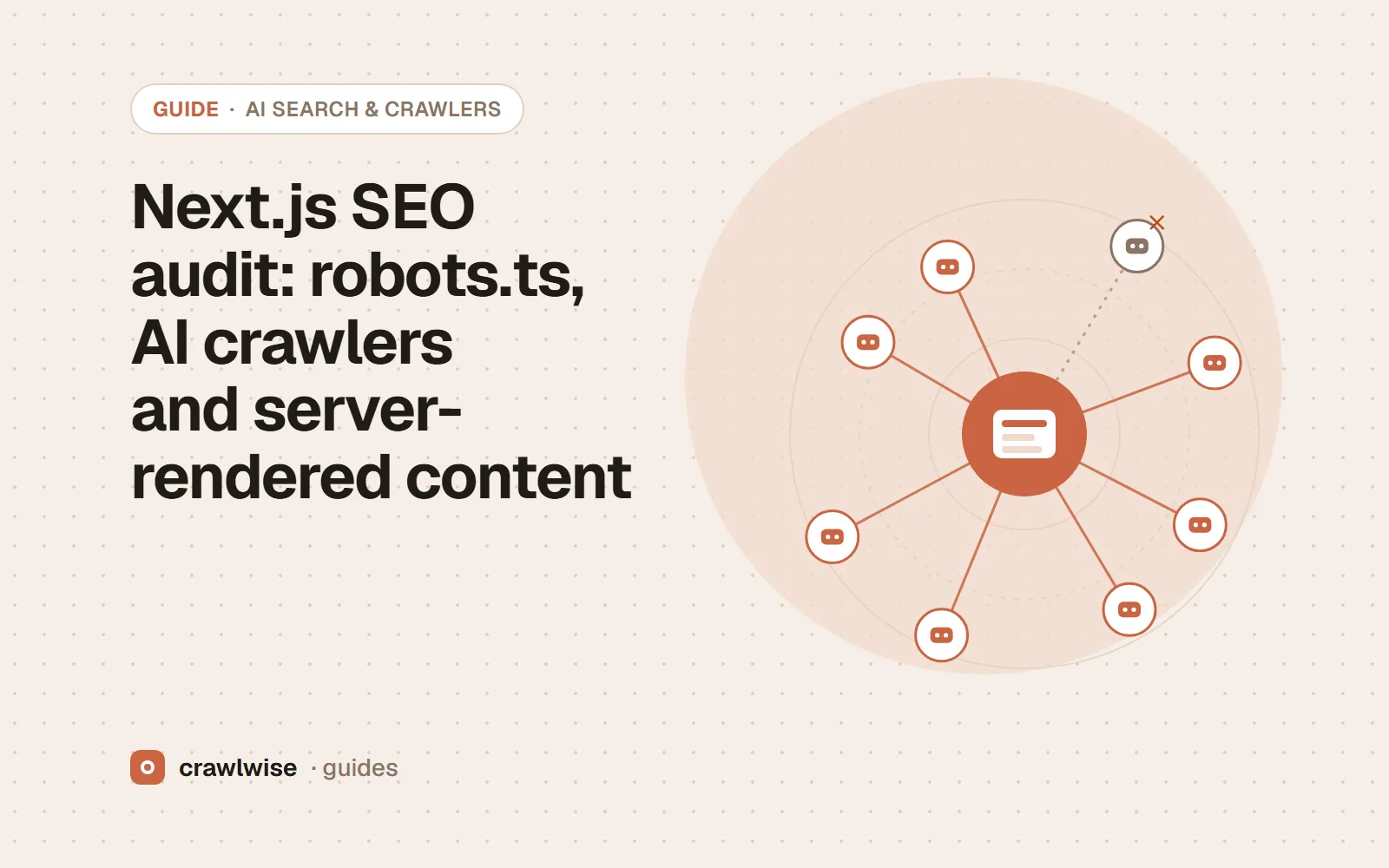
Next.js SEO audit: robots.ts, AI crawlers and server-rendered content
In the Next.js App Router, app/robots.ts returns your robots rules, and passing an array to rules gives each crawler its own group. Write the AI crawler rules there, keep important content rendered on the server so crawlers that do not run JavaScript can read it, and keep preview deployments out of the index.
Key takeaways
- app/robots.ts returns a Robots object; an array of rules gives each crawler its own group.
- robots.ts is cached by default unless it uses a request-time API.
- Content fetched in the browser may be invisible to crawlers that do not run JavaScript.
- Keep preview and staging deployments out of the index.
In Next.js, robots rules, metadata and sitemaps are all code, which makes them reviewable and testable. It also means a refactor can change what crawlers see without anyone opening an SEO tool. Audit the deployed result.
How do you write AI crawler rules in Next.js?
Add app/robots.ts and return a Robots object. Passing an array to rules gives each crawler its own group:
import type { MetadataRoute } from 'next';

export default function robots(): MetadataRoute.Robots {
  return {
    rules: [
      { userAgent: '*', allow: '/' },
      { userAgent: ['GPTBot', 'ClaudeBot', 'Google-Extended'], disallow: '/' },
      { userAgent: ['OAI-SearchBot', 'Claude-SearchBot', 'PerplexityBot'], allow: '/' },
    ],
    sitemap: 'https://example.com/sitemap.xml',
  };
}
Next.js writes one group per user agent, so this opts the training crawlers out and keeps the search crawlers that fetch pages for cited answers. A static app/robots.txt works too if you prefer plain text. Next.js caches robots.ts by default unless it uses a request-time API or dynamic config, which is what you want for production. For which crawlers to open or close, see which AI crawlers to allow.
A crawler reads the HTML your server sends. If the answer only appears after a client-side fetch, assume the crawler never saw it.
Adnan Arodiya, Crawlwise
Is your content in the server HTML?
Most AI vendors do not document JavaScript rendering for their crawlers. Server components, static generation and server-side rendering put content in the HTML; data fetched in a client component after load does not. Check with curl -s https://example.com/page | grep "a sentence from the page". If the sentence is missing, move that fetch to the server. How AI assistants find web pages explains why this matters for citations.
What else belongs in a Next.js audit?
- Metadata. Every route should export its own title and description through
metadataorgenerateMetadata, and setalternates.canonicalso query strings and trailing-slash variants resolve to one URL. - Sitemap. Generate
app/sitemap.tsfrom the same data as your routes so new pages appear automatically, and reference it from robots.ts. - Preview deployments. Make preview and staging hosts disallow crawling or send noindex, so they never compete with production.
- Status codes. Call
notFound()for missing records so they return a real 404 rather than an empty page with a 200.
Check it on your own Next.js site
Run the free AI crawler checker on your homepage and one product or article page. It reads your robots.txt the way each crawler does, then fetches the page as GPTBot, ClaudeBot, PerplexityBot and 14 others, so a block added by a CDN, firewall or app shows up even when the file looks right. The robots.txt tester shows which rule decides a given path, and a full audit adds titles, canonicals, structured data, hreflang and performance for the same URL.
To see how popular sites set these rules, look any of them up in the site-by-site AI crawler results.
What a plan actually costs
The free tools stay free. You can open them, run them, and leave without an account. A plan is for the moment you want the report saved, a few sites watched, or the same checks from the API. The price on this table is the price at checkout. A yearly plan is ten months of the monthly price, so two months are on us.
| Plan | Monthly | Credits | A good fit when |
|---|---|---|---|
| Starter | $4.99 | 10 | You look after one site and check it now and then |
| Pro | $14.99 | 40 | A few sites, plus the API and a handful of watched URLs |
| Studio | $49.99 | 150 | Client work that would burn through Pro mid-month |
| Agency | $99.99 | 400 | Many locations, reported under your own name |
A single-page audit is about 1.25 credits, and that includes the live probe of answer-engine crawlers. You see the estimate before anything runs. If a hold is not used, it comes back to your balance. Extra credits, when you already subscribe, are $9.99 for 20.
Frequently asked questions
Is app/robots.ts generated at build time?
Next.js treats robots.ts as a special route handler that is cached by default, unless it uses a request-time API or a dynamic config option.
Can AI crawlers read a client-rendered Next.js page?
Most AI vendors do not document JavaScript rendering for their crawlers. Content rendered on the server or at build time is in the HTML; content fetched in the browser after load may not be.
Should staging deployments have their own robots rules?
Yes. Preview and staging deployments should disallow crawling or send noindex, so they do not appear as duplicates of production.
Sources
Platform documentation was read on 2026-10-08. Platforms change these pages and settings without notice, so check the original before you act on a detail.
Crawlwise vs reading the code
Shows the robots.txt your visitors and crawlers receive
- Crawlwise
- Yes, fetched live
- Your codebase
- Only by reading your robots.ts
Fetches the page as each AI crawler
- Crawlwise
- Yes, 17 crawlers
- Your codebase
- No
Catches CDN and firewall blocks
- Crawlwise
- Yes, with challenge fingerprints
- Your codebase
- No
Edits your Next.js settings for you
- Crawlwise
- No — it tells you what to change
- Your codebase
- Yes, it is where you make the change
Try it on your URL
Run the checks on your live site
Free tools answer one question. A full audit scores the page, tests answer-engine crawlers, and saves to history on a plan.
- Live crawler probes
- Core Web Vitals
- One free full audit
Meet the author

Adnan Arodiya
Crawlwise
Writes about what Crawlwise actually measures: on-page evidence, crawler access, and performance signals — with the limits stated up front.