__usage_ai-training: the one robots.txt line to opt out of AI training
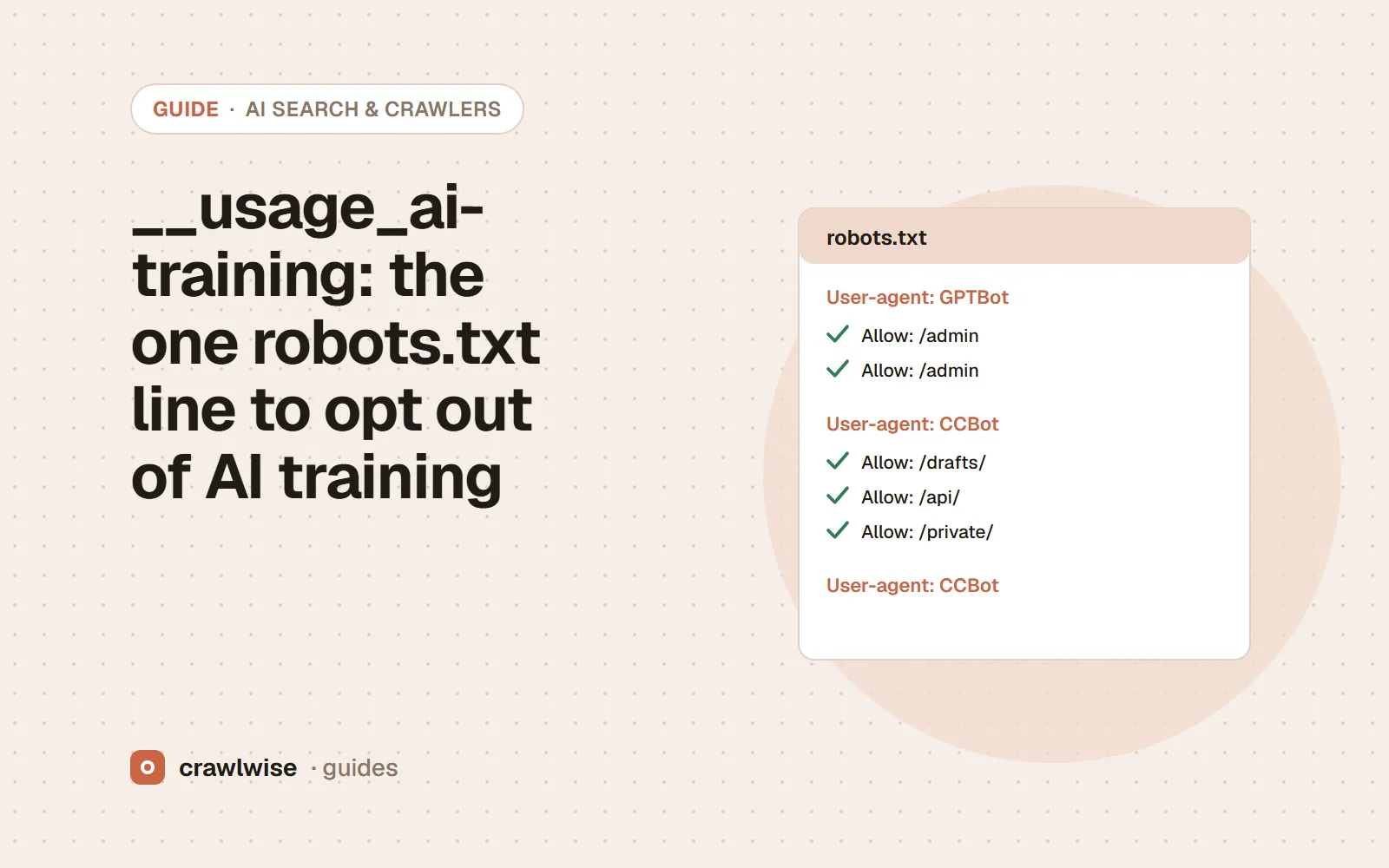
Add “User-agent: __usage_ai-training” followed by “Disallow: /” to robots.txt to state that you prefer your content not be used for AI training by any provider that honours the shared token. It comes from an IETF draft published on October 30, 2026; Google says it aims to support it in 2027. It does not block crawling or search.
Key takeaways
- The token is __usage_ai-training, written as an ordinary robots.txt group with Disallow or Allow rules.
- It states a training preference. It does not block crawling, and it is not a search control.
- User-agent: * never counts as using it; the token has to be named.
- Google will read an opt-out as a Google-Extended disallow unless Google-Extended has its own group.
Until now, opting out of AI training meant one robots.txt group per company: GPTBot for OpenAI, ClaudeBot for Anthropic, Google-Extended for Google, and so on, with a new name to add every time a new crawler appeared. On October 30, 2026 Google announced it will support a shared control instead, based on an IETF draft published the same day, and other AI providers made similar announcements.
The exact syntax
The draft defines one policy token, __usage_ai-training. It is written like any crawler’s product token, so it uses the same User-agent, Disallow and Allow lines you already know. The draft’s own example opts out everywhere except a press kit:
User-Agent: __usage_ai-training
Disallow: /
Allow: /press-kit/
A disallowed path means a preference against AI training on that content. An allowed path means a preference in favour. If no group names the token, you have expressed no preference at all.
Three rules that are easy to get wrong
- The wildcard does not count. The draft says wildcard groups “MUST NOT be interpreted as matching the policy token”. A
User-agent: */Disallow: /file does not state a training preference under this scheme. - It is not a crawl rule. The token is “not a directive for crawling behavior”. Crawlers may still fetch the page; what changes is whether the content may be used for training. If you want a crawler to stay out, keep a Disallow for its own token.
- It can share a group. “A single group MAY name several policy tokens” and mix them with ordinary crawler tokens, so you can add it to a group you already have for GPTBot and ClaudeBot.
How it interacts with Google-Extended
Google-Extended is Google’s existing control for Gemini training and grounding. Google says that if a site uses the shared token to opt out and does not name Google-Extended, it plans to treat that as if the site had disallowed Google-Extended. Company-specific controls such as Google-Extended keep working alongside the shared one.
That matters if you want to opt out of training but still appear in Gemini’s grounded answers: Google notes that sites that specifically allow Google-Extended can appear in those answers and receive clicks from them. In that case write both groups:
User-agent: __usage_ai-training
Disallow: /

User-agent: Google-Extended
Allow: /
None of this touches Googlebot, so it does not affect Google Search, AI Overviews or AI Mode, which use Google’s search index.
One line states the preference to everyone who honours it. Your per-crawler rules are still what actually keeps a crawler out.
Adnan Arodiya, Crawlwise
When does it start working?
Not yet. Google says it aims to support the control, along with other AI providers, in 2027. Until then the line states a preference that no provider has committed to act on today. Parsers that do not implement the draft are expected to ignore the group, the same way they ignore a group for any crawler they are not, so adding it now carries no risk to your search crawling.
Should you add it?
If you already block training crawlers one by one, add the token to that group: it covers providers you have not listed by name, including ones that do not exist yet. Keep the per-crawler rules, because they work today and the shared token does not. If you are happy for your content to be used in training, there is nothing to do: an absent token means no preference. Do not use it to try to leave AI search; that is a different set of crawlers (see which AI crawlers to allow).
How Crawlwise tests this
The free AI crawler checker now reads the shared token with the same RFC 9309 matcher it uses for every crawler, never counting User-agent: * as a match, and says whether the page opts out, opts in or states nothing, and what Google will infer for Google-Extended. The free robots.txt generator has a “Shared AI-training opt-out” template and warns when the opt-out would also remove you from Gemini grounding. The AI Crawler Access Report counts how many of the top 10,000 domains have adopted it.
Every check, what counts as a block, and what the checks cannot see are written up on the methodology page.
What a plan actually costs
The free tools stay free. You can open them, run them, and leave without an account. A plan is for the moment you want the report saved, a few sites watched, or the same checks from the API. The price on this table is the price at checkout. A yearly plan is ten months of the monthly price, so two months are on us.
| Plan | Monthly | Credits | A good fit when |
|---|---|---|---|
| Starter | $14.99 | 40 | Regular audits of up to three of your own sites, with Search Console and watched URLs |
| Growth | $49.99 | 150 | Client work: backlinks, keyword research, rank tracking and the API |
| Agency | $99.99 | 400 | Many locations, reported under your own name |
A single-page audit is about 1.25 credits, and that includes the live probe of answer-engine crawlers. You see the estimate before anything runs. If a hold is not used, it comes back to your balance. Extra credits, when you already subscribe, are $9.99 for 20.
Frequently asked questions
Does __usage_ai-training stop AI crawlers from visiting my site?
No. The draft says the token is “not a directive for crawling behavior”. It states a preference about whether your content is used for training. To stop a crawler from fetching pages you still need a Disallow for that crawler’s own token.
Will it remove my site from ChatGPT search or Google AI Overviews?
It is about training, not search. One exception to plan for: Google says that if you opt out with the token and have no Google-Extended rule, it will treat that as a Google-Extended disallow, which also covers grounding in Gemini apps. Add an explicit Google-Extended group if you want different behaviour there.
Does User-agent: * count as the shared token?
No. The draft says wildcard groups “MUST NOT be interpreted as matching the policy token”. You have to name __usage_ai-training in its own User-agent line.
Is it worth adding now if nobody honours it until 2027?
If you already want to opt out of training, yes: it is one group, it costs nothing, and parsers that do not know it are expected to ignore it. Keep your per-crawler rules too, because they work today and the draft says company-specific controls continue alongside the shared one.
Sources
Every page below was read on 2026-11-04. The draft is an individual Internet-Draft, not an IETF standard, and may change before providers implement it.
- Google Search Central Blog — Supporting a shared AI training control for websites (October 30, 2026)
- IETF — draft-kelley-aipref-training-preference-signal-00 (October 30, 2026)
- Google Search Central — Google common crawlers (Google-Extended)
- OpenAI — Overview of OpenAI crawlers
- Anthropic — Does Anthropic crawl data from the web, and how can site owners block the crawler?
- RFC 9309 — Robots Exclusion Protocol
Crawlwise vs a typical SEO suite
Price to start
- Crawlwise
- Free tools, plans from $14.99
- Typical suite
- $139+ typical suite
What you see
- Crawlwise
- The check, the value, the limit
- Typical suite
- Often a score
Answer-engine crawlers
- Crawlwise
- Fetched live, per bot
- Typical suite
- Rarely tested
Backlink index
- Crawlwise
- Not what we built
- Typical suite
- A core product
Whole-site desktop crawl
- Crawlwise
- Bounded pages on a plan
- Typical suite
- Often the whole catalogue
Meet the author

Adnan Arodiya
Crawlwise
Writes about what Crawlwise actually measures: on-page evidence, crawler access, and performance signals — with the limits stated up front.