noindex vs robots.txt disallow: which one removes a page from Google?
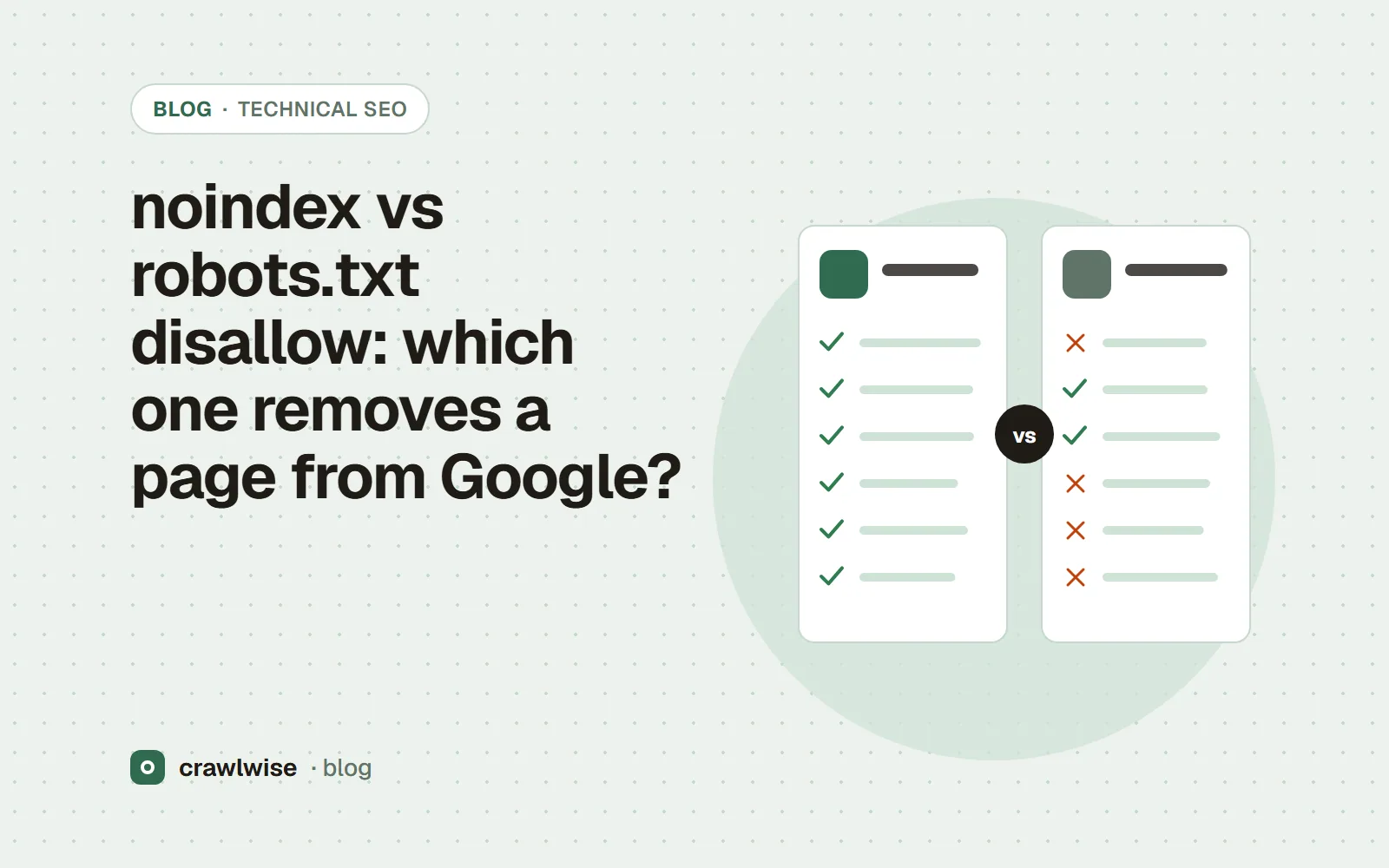
Use noindex. A robots meta tag or X-Robots-Tag header with noindex tells Google to drop the page from its index. A robots.txt Disallow only stops crawling; the URL can still be indexed from links, without a description. Never combine them: if robots.txt blocks the page, Googlebot cannot fetch it and never sees the noindex.
Key takeaways
- robots.txt controls crawling; noindex controls indexing. They are different jobs.
- A disallowed URL can still appear in Google, with no description, if other pages link to it.
- noindex only works if the crawler is allowed to fetch the page and read it.
- For a fast removal, use the Removals tool and then make it permanent with noindex, 404/410 or a password.
“Block it in robots.txt” is the most common answer to “how do I get this page out of Google?”, and it is the wrong one. robots.txt and noindex sound like two strengths of the same control. They are two different controls, and used together they cancel out.
What does robots.txt disallow actually do?
It asks a crawler not to request a URL. Google is explicit about the limit: robots.txt “is used mainly to avoid overloading your site with requests; it is not a mechanism for keeping a web page out of Google.” If a disallowed URL is linked from elsewhere, Google can still index the address: “its URL can still appear in search results, but the search result won't have a description.” That is the familiar result with no snippet — indexed, never read.
What does noindex do?
noindex is an indexing rule, delivered with the page. It can be a meta tag in the HTML or an HTTP response header:
<meta name="robots" content="noindex">

HTTP/1.1 200 OK
X-Robots-Tag: noindex
The header form works for PDFs, images and anything else without a <head>. When Googlebot fetches the page and sees the rule, it drops the page from search results. Google calls noindex, in the HTML or the header, “the most effective way to remove URLs from the index when crawling is allowed.”
Why does combining noindex and disallow fail?
Because the noindex is inside the page, and the disallow stops anyone reading the page. Google’s documentation puts it in one sentence: “For the noindex rule to be effective, the page or resource must not be blocked by a robots.txt file”. If it is blocked, “the crawler will never see the noindex rule, and the page can still appear in search results, for example if other pages link to it.”
# robots.txt — this keeps the noindex below from ever being read
User-agent: *
Disallow: /internal-search/

<!-- /internal-search/?q=shoes -->
<meta name="robots" content="noindex">
The order that works: remove the Disallow, leave the noindex in place, and let Google recrawl. Once the URLs have dropped out, you may add the Disallow back to save crawl requests — but understand that from then on any new noindex on those paths will go unread again.
robots.txt decides whether a crawler may read the page. noindex is something the crawler reads. You cannot ask it to read a sign you have locked away.
Adnan Arodiya, Crawlwise
Which should you use, and when?
| Goal | Use | Why |
|---|---|---|
| Keep a page out of Google’s results | noindex (meta or header), crawl allowed | The only rule that controls indexing |
| Stop crawlers wasting requests on infinite URL spaces | robots.txt Disallow | Controls crawling; pages may still be indexed by URL |
| Remove a page that no longer exists | 404 or 410 | Google treats every 4xx except 429 as “content doesn't exist” |
| Hide something private | Password or login | Neither robots.txt nor noindex is access control |
| Remove something urgently | Search Console Removals, then one of the above | A temporary removal lasts about six months |
One more trap: a noindex line inside robots.txt. Google retired its handling of that unsupported rule on September 1, 2019, so it does nothing in Google today. For duplicate URLs within one site, Google also advises against noindex as a canonicalization tool “because it will completely block the page from Search” — use a canonical instead, as explained in how Google treats rel=canonical. And if you are deciding what to do about AI crawlers rather than Googlebot, the same crawl-versus-use split applies; see does robots.txt control AI crawlers?
How do you remove a page from Google for good?
- Decide whether the page should exist. If not, return 404 or 410 (see HTTP status codes for SEO).
- If it should exist but not be found in search, add noindex as a meta tag or header.
- Make sure robots.txt does not disallow it, so the noindex can be read.
- For speed, submit a temporary removal in Search Console, and request a recrawl with URL Inspection.
How Crawlwise checks this
The free robots.txt tester tells you whether a specific URL is disallowed for Googlebot or any other user agent, and lists the rules in the group that names that agent — the first thing to check when a noindex “isn’t working”. The HTTP status code checker shows the X-Robots-Tag header on the final response and adds a note when it contains noindex, which catches the header a CDN or framework set without anyone noticing. Neither tool can tell you what Google has indexed; Search Console is the only source for that.
What each check reads, what counts as a failure, and what the checks cannot see are written up on the methodology page.
What a plan actually costs
The free tools stay free. You can open them, run them, and leave without an account. A plan is for the moment you want the report saved, a few sites watched, or the same checks from the API. The price on this table is the price at checkout. A yearly plan is ten months of the monthly price, so two months are on us.
| Plan | Monthly | Credits | A good fit when |
|---|---|---|---|
| Starter | $4.99 | 10 | You look after one site and check it now and then |
| Pro | $14.99 | 40 | A few sites, plus the API and a handful of watched URLs |
| Studio | $49.99 | 150 | Client work that would burn through Pro mid-month |
| Agency | $99.99 | 400 | Many locations, reported under your own name |
A single-page audit is about 1.25 credits, and that includes the live probe of answer-engine crawlers. You see the estimate before anything runs. If a hold is not used, it comes back to your balance. Extra credits, when you already subscribe, are $9.99 for 20.
Frequently asked questions
Can I put noindex in robots.txt?
No. Google stopped supporting noindex as a robots.txt rule on September 1, 2019. Use a robots meta tag or an X-Robots-Tag header instead.
How long does noindex take to work?
It works the next time Googlebot crawls the page. Google says that, depending on the page’s importance, a revisit can take months; you can request a recrawl with the URL Inspection tool in Search Console.
Is the Removals tool a substitute for noindex?
No. Google says a temporary removal lasts about six months. To keep a page out after that, it needs noindex, a 404 or 410, or a password.
Sources
Documentation was read on 2026-10-05. Search engines change these pages without notice, so check the original before you act on a detail.
- Google Search Central — Introduction to robots.txt
- Google Search Central — Block Search indexing with noindex
- Google Search Central Blog — A note on unsupported rules in robots.txt (July 2019)
- Search Console Help — Removals and SafeSearch reports tool
- Google Search Central — How to specify a canonical URL with rel="canonical" and other methods
- Google Search Central — How HTTP status codes, and network and DNS errors affect Google Search
Crawlwise indexing checks vs checking by hand
Reads the robots meta tag in the served HTML
- Crawlwise
- Yes, in the page audit
- By hand
- View source
Reads X-Robots-Tag on the final response
- Crawlwise
- Yes, flagged when it says noindex
- By hand
- curl -I, if you remember to
Tests the URL against robots.txt for a given bot
- Crawlwise
- Yes, with the matching rule
- By hand
- By eye
Tells you whether Google has indexed the page
- Crawlwise
- No
- By hand
- Search Console URL Inspection
Meet the author

Adnan Arodiya
Crawlwise
Writes about what Crawlwise actually measures: on-page evidence, crawler access, and performance signals — with the limits stated up front.