Redirect chains and loops: 301 vs 302 vs 308, and how many hops is too many
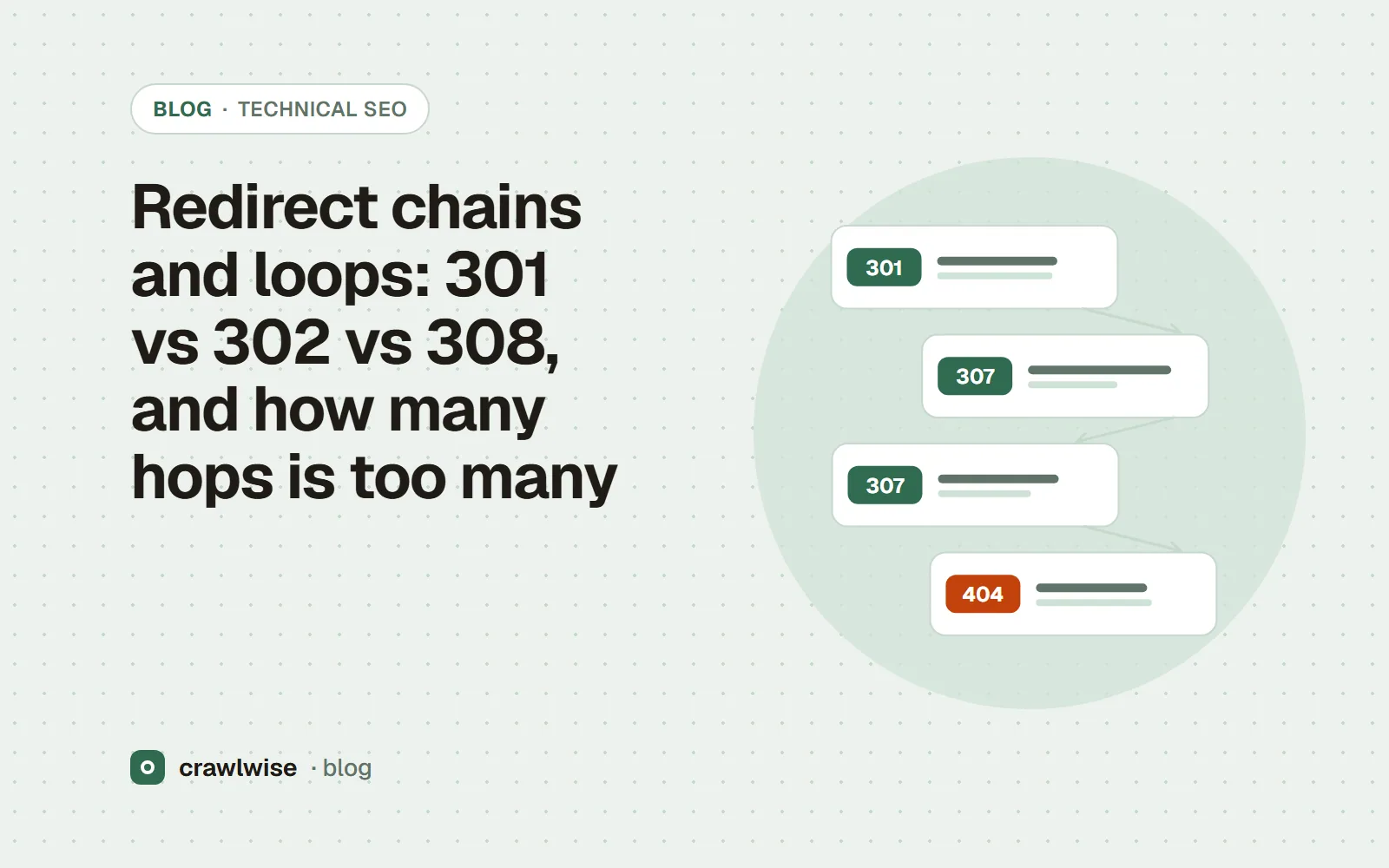
Use a 301 or 308 for a permanent move and a 302 or 307 for a temporary one; 307 and 308 also forbid changing POST to GET. Googlebot follows up to 10 redirect hops, but Google advises redirecting straight to the final URL and keeping chains ideally to 3 or fewer. A loop never resolves and is never indexed.
Key takeaways
- Google treats 301 and 308 as strong signals, 302 and 307 as weak ones.
- 307 and 308 must not change the request method; 301 and 302 may, for historical reasons.
- Googlebot follows up to 10 hops, and Google recommends ideally no more than 3.
- Keep redirects from a site move in place for at least a year.
Redirects are how URLs survive a redesign. They are also where years of migrations pile up: http to https, then to www, then to a new path, then to a trailing slash. Each step was right when someone added it. Together they make a chain.
What is the difference between 301, 302, 307 and 308?
| Code | Meaning (RFC 9110) | Method may change? | Google treats it as |
|---|---|---|---|
| 301 Moved Permanently | Permanent | Yes, “for historical reasons” POST may become GET | Strong signal for the target |
| 302 Found | Temporary | Yes, same historical note | Weak signal for the target |
| 307 Temporary Redirect | Temporary | No — the user agent “MUST NOT change the request method” | Equivalent to 302 |
| 308 Permanent Redirect | Permanent | No | Equivalent to 301 |
For SEO the axis that matters is permanent versus temporary. In Google’s redirect documentation, a permanent redirect means the new target is shown in results; a temporary one means the source usually stays. The method distinction matters for forms and APIs: if a POST endpoint moves, a 308 keeps it a POST. RFC 9110 suggests exactly that: if the method change is undesired, “the 308 (Permanent Redirect) status code can be used instead.”
How many redirect hops will Google follow?
Google’s crawlers “follow up to 10 redirect hops”. That is a ceiling, not a target. Google’s site-move guide says: “we advise redirecting to the final destination directly. If this is not possible, keep the number of redirects in the chain low, ideally no more than 3 and fewer than 5.” Every hop is another round trip for a visitor on a slow connection and another point where a crawler, a link preview or an AI fetcher with a lower limit may give up. robots.txt has its own, tighter rule: RFC 9309 asks crawlers to follow “at least five consecutive redirects”.
$ curl -sIL http://example.com/old-page | grep -iE '^(HTTP|location)'
HTTP/1.1 301 Moved Permanently
location: https://example.com/old-page
HTTP/2 301
location: https://www.example.com/old-page
HTTP/2 301
location: https://www.example.com/new-page/
HTTP/2 200
Three hops. The fix is to make the first server answer point straight at https://www.example.com/new-page/, and to update internal links so most visitors never hit a redirect at all.
Every redirect was right when someone added it. The chain is what nobody decided.
Adnan Arodiya, Crawlwise
What causes redirect loops?
- A CDN forcing HTTPS while the origin, seeing plain HTTP from the CDN, redirects back.
- Two trailing-slash rules that disagree — one adding the slash, another removing it.
- A
wwwrule in the server and the opposite rule in the application. - Language or geo redirects that send a crawler from
/en/to/and back.
A loop never reaches a 200, so there is nothing to index. Browsers show “too many redirects”; crawlers record an error and move on.
How long should redirects stay in place?
Google’s site-move guidance: “Keep the redirects for as long as possible, generally at least 1 year.” Removing them early turns every old link into a 404. It also says to use server-side permanent redirects “if technically possible” — 301 or 308. If you are consolidating duplicates rather than moving pages, a redirect is also the strongest canonical signal Google lists; see how Google treats rel=canonical.
How Crawlwise checks this
The free redirect chain checker requests a URL without following redirects automatically, then follows each Location itself, recording the status code, the Location header and the time to response headers for every hop. It stops after six requests and reports anything longer as a likely loop rather than following it forever. The HTTP status code checker does the same for up to 10 URLs at once and adds a note when any hop is a 302 or 307. Both read HTTP only: a JavaScript or meta refresh redirect is invisible to them, and they make one request from one location, so a CDN that answers bots or other regions differently can give a browser a different chain. To write the rules themselves, use the 301 redirect generator.
What each check reads, what counts as a failure, and what the checks cannot see are written up on the methodology page.
What a plan actually costs
The free tools stay free. You can open them, run them, and leave without an account. A plan is for the moment you want the report saved, a few sites watched, or the same checks from the API. The price on this table is the price at checkout. A yearly plan is ten months of the monthly price, so two months are on us.
| Plan | Monthly | Credits | A good fit when |
|---|---|---|---|
| Starter | $4.99 | 10 | You look after one site and check it now and then |
| Pro | $14.99 | 40 | A few sites, plus the API and a handful of watched URLs |
| Studio | $49.99 | 150 | Client work that would burn through Pro mid-month |
| Agency | $99.99 | 400 | Many locations, reported under your own name |
A single-page audit is about 1.25 credits, and that includes the live probe of answer-engine crawlers. You see the estimate before anything runs. If a hold is not used, it comes back to your balance. Extra credits, when you already subscribe, are $9.99 for 20.
Frequently asked questions
Does a 302 pass less value than a 301?
Google describes a 301 as a strong signal that the target should be processed and a 302 as a weak one. Use the code that matches reality: 301 or 308 for a permanent move, 302 or 307 for a temporary one.
How many redirects is too many?
Googlebot follows up to 10 hops, but Google advises redirecting to the final destination directly, and otherwise keeping chains to ideally no more than 3 and fewer than 5.
Are JavaScript redirects OK?
Google lists a JavaScript location change as a permanent redirect it can follow, but recommends a permanent server-side redirect whenever possible. Many other crawlers do not run JavaScript at all.
Sources
Documentation was read on 2026-10-05. Search engines change these pages without notice, so check the original before you act on a detail.
Crawlwise redirect checks vs checking by hand
Lists every hop with status, Location and timing
- Crawlwise
- Yes, up to six hops
- By hand
- curl -IL and a careful read
Flags a likely loop instead of hanging
- Crawlwise
- Yes, past six hops
- By hand
- curl stops at its own limit
Checks several URLs at once
- Crawlwise
- Up to 10 in the status checker
- By hand
- A shell loop
Sees JavaScript or meta refresh redirects
- Crawlwise
- No — HTTP only
- By hand
- A real browser
Meet the author

Adnan Arodiya
Crawlwise
Writes about what Crawlwise actually measures: on-page evidence, crawler access, and performance signals — with the limits stated up front.