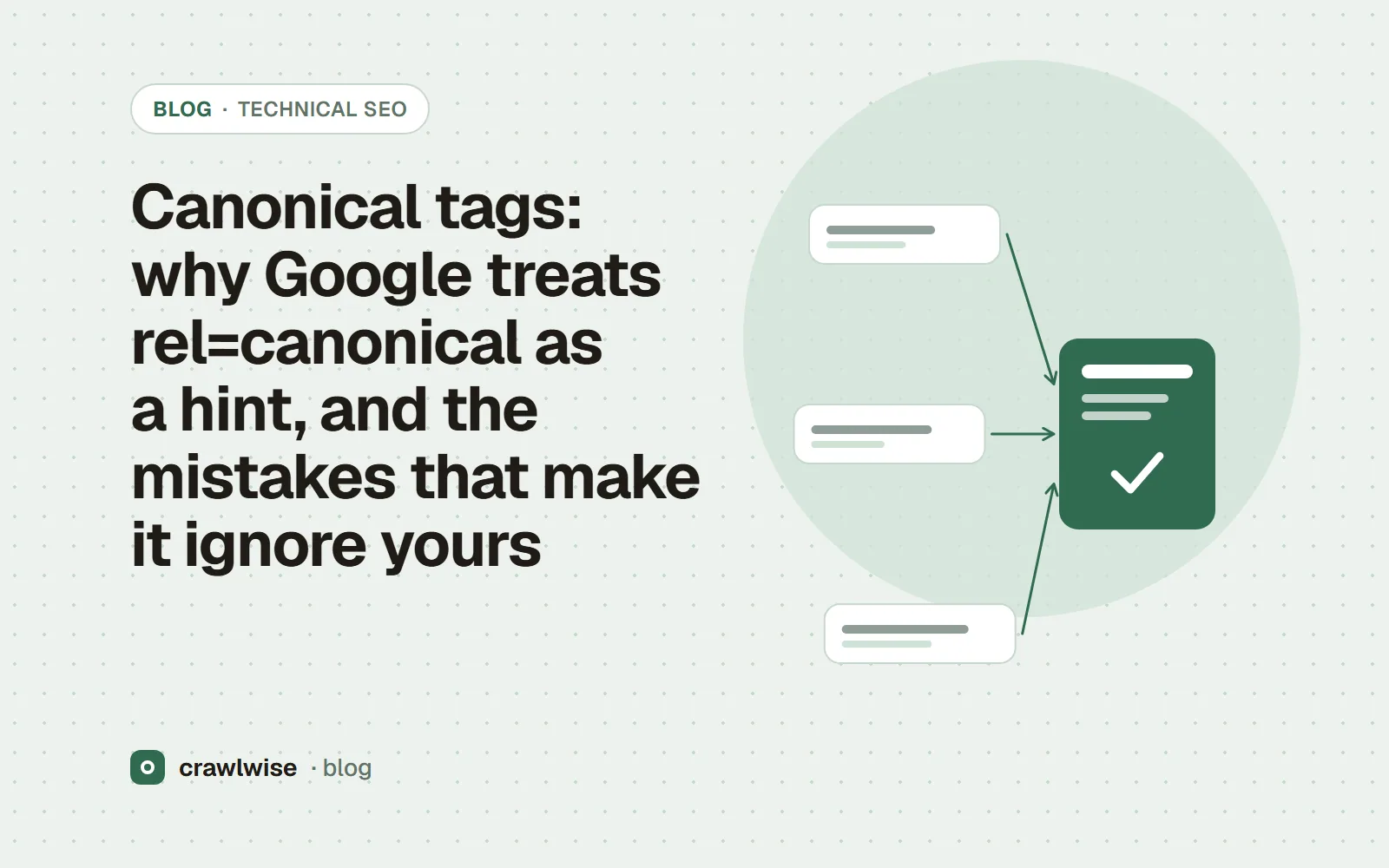
Canonical tags: why Google treats rel=canonical as a hint, and the mistakes that make it ignore yours
A rel=canonical link tells Google which of several duplicate URLs you prefer, but Google calls it “a hint, not a rule”. It weighs the tag with redirects, internal links and sitemap entries, then picks the page it judges most useful. Canonicals get ignored when signals conflict: chains, relative URLs, noindex, or a tag pointing at a page that redirects.
Key takeaways
- Redirects and rel=canonical are strong signals; sitemap inclusion is a weak one. They stack.
- Google may still choose a different canonical; the tag is a hint.
- Use absolute URLs, one canonical per page, inside the <head>.
- Do not canonicalize with robots.txt, noindex, or the URL removal tool.
Every site has duplicates it did not mean to make: ?utm_source= variants, http and https, a trailing slash and none, a product reachable from three category paths. A canonical tag is how you say which one you want shown. The part most guides skip is that Google is under no obligation to agree.
Is rel=canonical a directive or a hint?
A hint. Google’s canonicalization page says “Google may choose a different page as canonical than you do, for various reasons. That is, indicating a canonical preference is a hint, not a rule.” Google groups duplicates, then “chooses the page that, based on the factors (or signals) the indexing process collected, is objectively the most complete and useful for search users”. Your tag is one of those signals — an important one, but not the only one.
Which canonical signals does Google weigh most?
| Method | Google’s description |
|---|---|
| Redirect | “A strong signal that the target of the redirect should become canonical.” |
rel="canonical" link (HTML or HTTP header) | “A strong signal that the specified URL should become canonical.” |
| Sitemap inclusion | “A weak signal that helps the URLs that are included in a sitemap become canonical.” |
Google adds that these methods stack and are more effective combined. Internal links matter too: if every menu links to /shoes/ and your tag says /shoes, you are arguing with yourself.
<head>
  <link rel="canonical" href="https://example.com/shoes/">
</head>

# The same hint as an HTTP header, for a PDF
Link: <https://example.com/guide.pdf>; rel="canonical"
A canonical tag wins when it agrees with your redirects, your links and your sitemap. On its own, it is an opinion.
Adnan Arodiya, Crawlwise
What mistakes make Google ignore a canonical?
- Relative URLs. Google says to use “absolute paths rather than relative paths with the rel="canonical" link element.”
href="/shoes"resolves differently on a staging host or a mirrored domain. - Conflicting methods. “Don't specify different URLs as canonical for the same page using different canonicalization techniques” — for example one URL in the sitemap and another in the tag.
- A canonical that points at a redirect or an error. The target should answer 200 and declare itself canonical. A canonical to a URL that 301s somewhere else is a chain; see redirect chains and loops.
- Chains and loops of canonicals. Page A says B, B says C, or B says A. Google has to pick, and it may not pick yours.
- The tag outside the
<head>. Google says the link element “is only accepted if it appears in the <head> section of the HTML, so make sure at least the <head> section is valid HTML.” An element that does not belong in the head, such as an injected<div>or<img>, makes an HTML parser close the head early, and a canonical after it lands in the body. - Fragments. “Don't specify a URL fragment as canonical, as Google generally doesn't support URL fragments.”
- Using the wrong tool. Google says not to use robots.txt or the URL removal tool for canonicalization, and advises against noindex for choosing a canonical within one site “because it will completely block the page from Search.” More in noindex vs robots.txt disallow.
How do you make Google agree with your canonical?
- 301-redirect duplicates that nobody needs to reach (old protocol, old host, trailing-slash variant).
- Put a self-referencing, absolute canonical on every indexable page.
- Link internally to the canonical URL only.
- List only canonical URLs in your sitemap — see XML sitemaps: lastmod honesty and size limits.
- Check the result in Search Console’s URL Inspection, which shows the user-declared and Google-selected canonical side by side.
How Crawlwise checks this
The free canonical tag checker fetches the page (following redirects), reads the <link rel="canonical"> in the served HTML, and compares it with the URL the page finally loaded from. It labels the result self-referencing, pointing elsewhere on the site, pointing at another origin, or absent, and calls out a trailing-slash-only difference, an added query string, a fragment, or a different origin. It then fetches the canonical target once and reports the canonical that page declares, and its status if it errors. It does not decide which URL Google will pick, and it reads the HTML element only; a canonical sent as a Link header is visible in the HTTP header checker.
What each check reads, what counts as a failure, and what the checks cannot see are written up on the methodology page.
What a plan actually costs
The free tools stay free. You can open them, run them, and leave without an account. A plan is for the moment you want the report saved, a few sites watched, or the same checks from the API. The price on this table is the price at checkout. A yearly plan is ten months of the monthly price, so two months are on us.
| Plan | Monthly | Credits | A good fit when |
|---|---|---|---|
| Starter | $4.99 | 10 | You look after one site and check it now and then |
| Pro | $14.99 | 40 | A few sites, plus the API and a handful of watched URLs |
| Studio | $49.99 | 150 | Client work that would burn through Pro mid-month |
| Agency | $99.99 | 400 | Many locations, reported under your own name |
A single-page audit is about 1.25 credits, and that includes the live probe of answer-engine crawlers. You see the estimate before anything runs. If a hold is not used, it comes back to your balance. Extra credits, when you already subscribe, are $9.99 for 20.
Frequently asked questions
Should every page have a self-referencing canonical?
Google’s guidance is to include a rel="canonical" link on the canonical page itself. It costs nothing and protects you from tracking parameters and other URL variants.
Does a canonical tag in the body count?
No. Google says the rel="canonical" link element is only accepted if it appears in the head section of the HTML, and asks that at least the head be valid HTML.
Why does Search Console show “Google chose different canonical than user”?
Because the other signals disagreed with your tag: redirects, internal links, sitemap entries, or content that differs between the pages. Make the signals agree rather than adding more tags.
Sources
Documentation was read on 2026-10-05. Search engines change these pages without notice, so check the original before you act on a detail.
Crawlwise canonical checker vs checking by hand
Reads the canonical in the served HTML
- Crawlwise
- Yes
- By hand
- View source
Follows the canonical and reads what that page declares
- Crawlwise
- Yes, one step
- By hand
- A second tab and some patience
Flags trailing-slash, query and origin differences
- Crawlwise
- Yes
- By hand
- Easy to miss by eye
Shows the canonical Google actually selected
- Crawlwise
- No
- By hand
- Search Console URL Inspection
Meet the author

Adnan Arodiya
Crawlwise
Writes about what Crawlwise actually measures: on-page evidence, crawler access, and performance signals — with the limits stated up front.