Canonical tag checker
The canonical tag checker reads the rel=canonical a page declares and follows it, so you can see whether the target is self-referencing, resolves cleanly, or points somewhere else.
- Free, no sign-up
- Results in seconds
- Checker · 35 free tools
This checks one page. The same problem usually repeats on every page built from the same template. Plans start at $14.99 a month.
How to use the canonical checker
- 1
Paste an address
A full URL or just a domain. We add https:// when it is missing.
- 2
We fetch it live
Our server requests the page now, the way a crawler would, and records what came back.
- 3
Read the evidence
Every result shows the value we read, so you can see why it passed or failed.
- 4
Fix and check again
Change the page, run it once more, and ship when the second run agrees.
What this does not measure
We would rather say what a tool cannot see than let a clean result mislead you.
- Presence is not correctness. A canonical that points at a URL which itself declares a different canonical is a loop, and this tool reports what each page says rather than deciding which one wins — Google decides that.
- A canonical is a hint. Google can and does ignore one it disagrees with.
- It reads the HTML link element only. A canonical sent as an HTTP header is shown in the headers tool instead, and whether Google treats these identically has changed over time.
Want the full picture?
This tool answers one question. A full audit runs every check on a page, scores it, and gives you a short list of what to fix first.
Questions about the canonical checker
More in the guides.
Keep reading
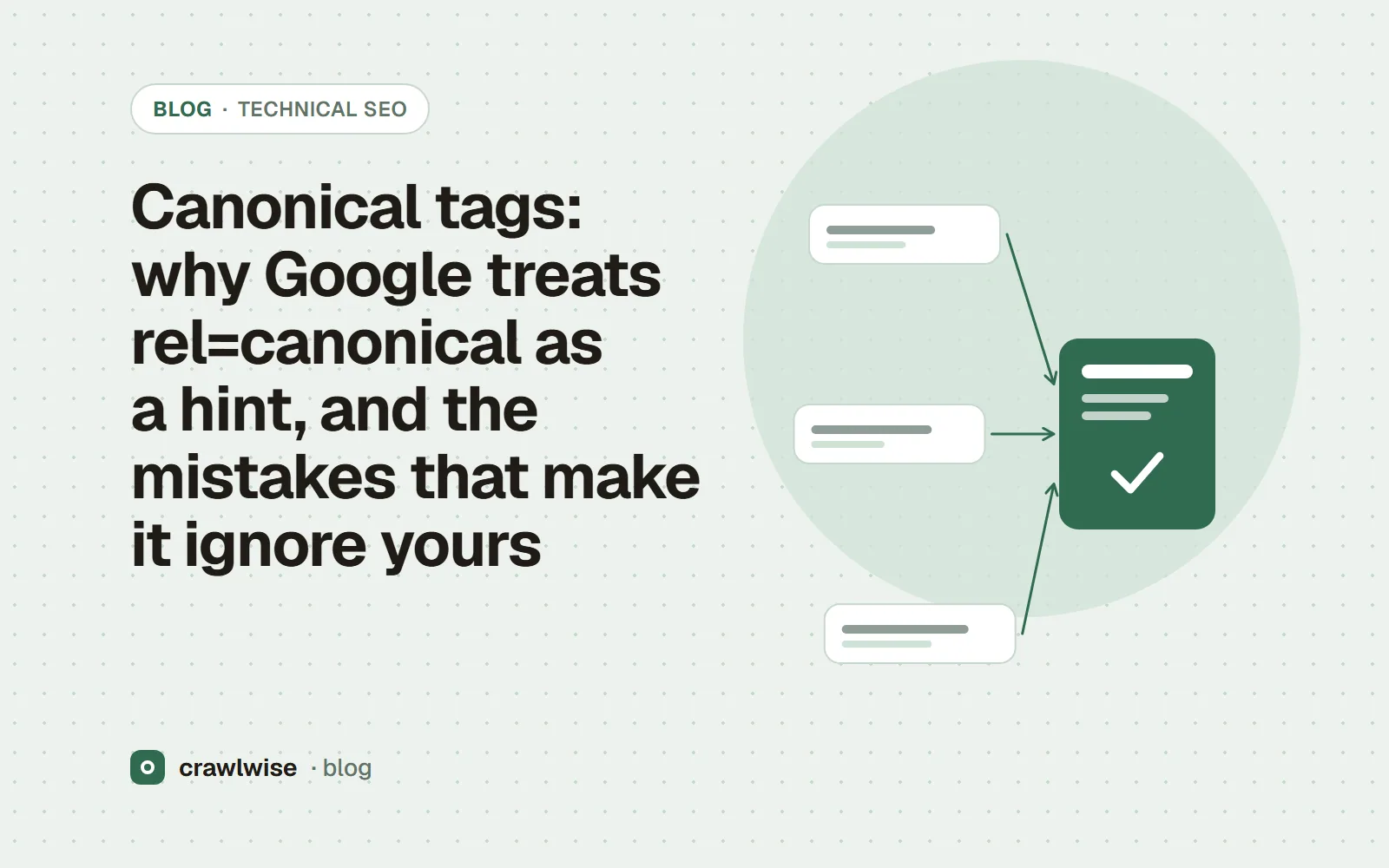
Canonical tags: why Google treats rel=canonical as a hint, and the mistakes that make it ignore yours
A canonical tag is a hint Google weighs against redirects, links and sitemaps. Make every signal agree.
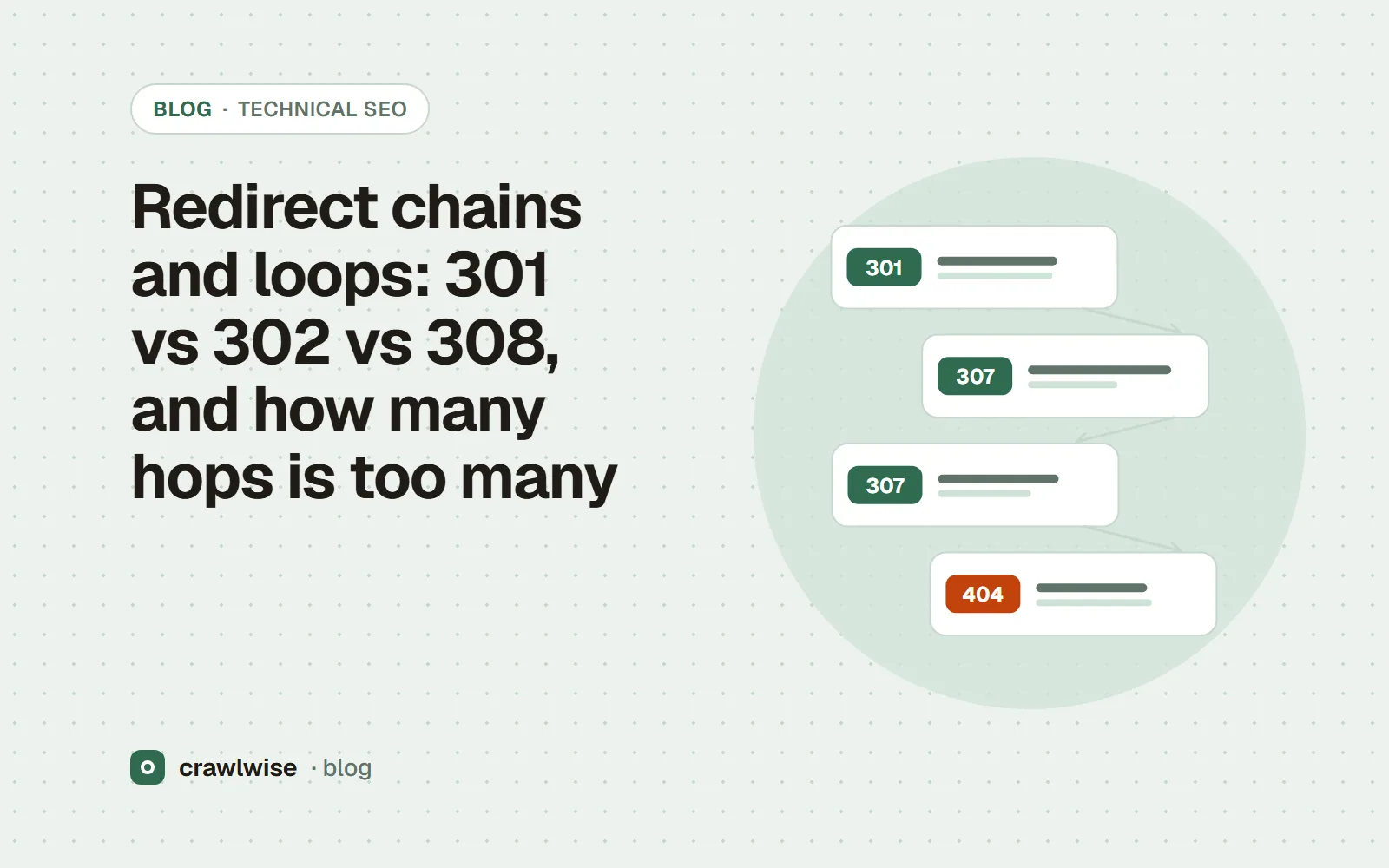
Redirect chains and loops: 301 vs 302 vs 308, and how many hops is too many
Use 301 or 308 for permanent moves, redirect straight to the final URL, and keep any chain under five hops.
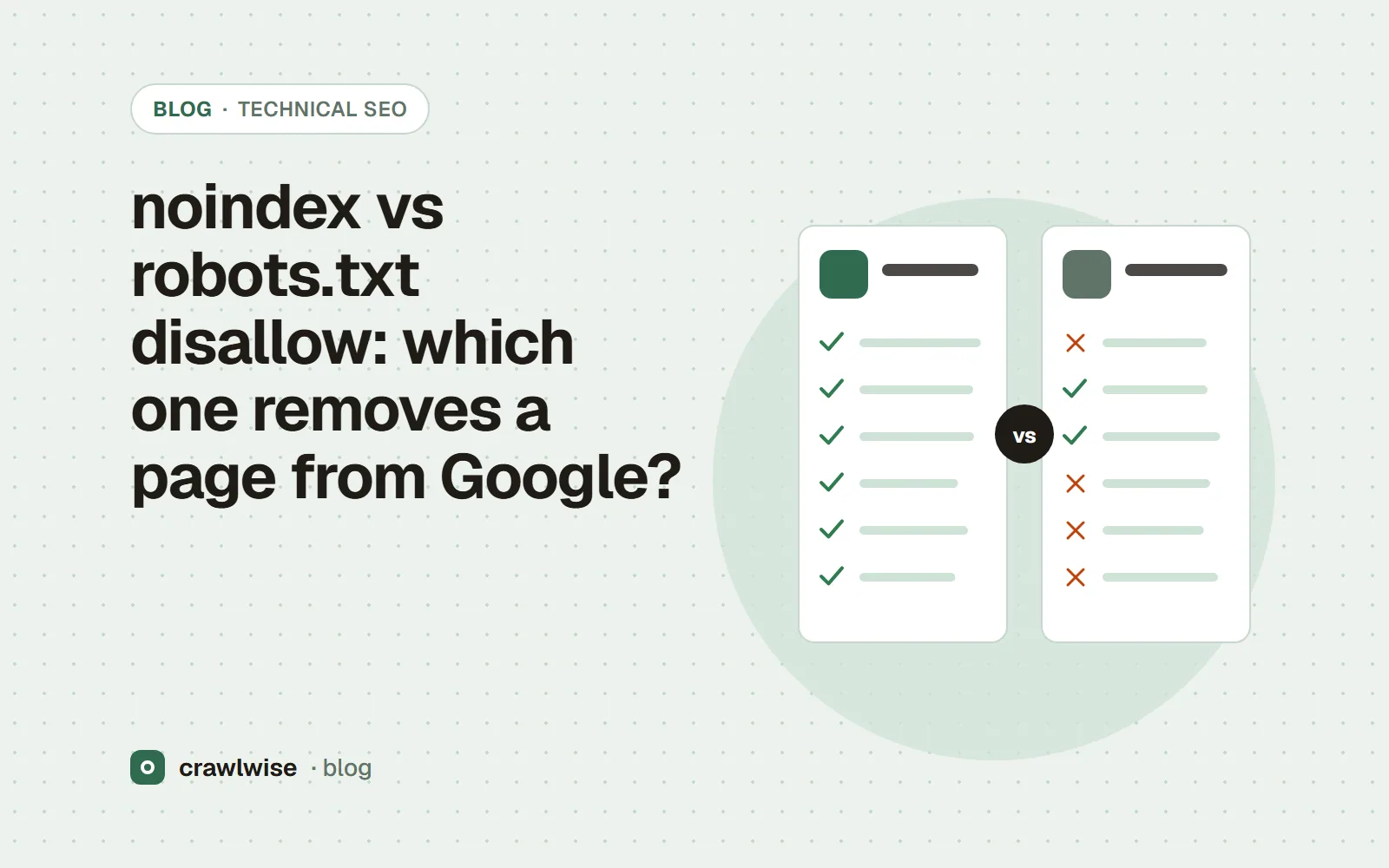
noindex vs robots.txt disallow: which one removes a page from Google?
Disallow stops crawling. noindex stops indexing. Using both at once means Google never reads the noindex.