AI Overviews and AI Mode: what site owners can actually control
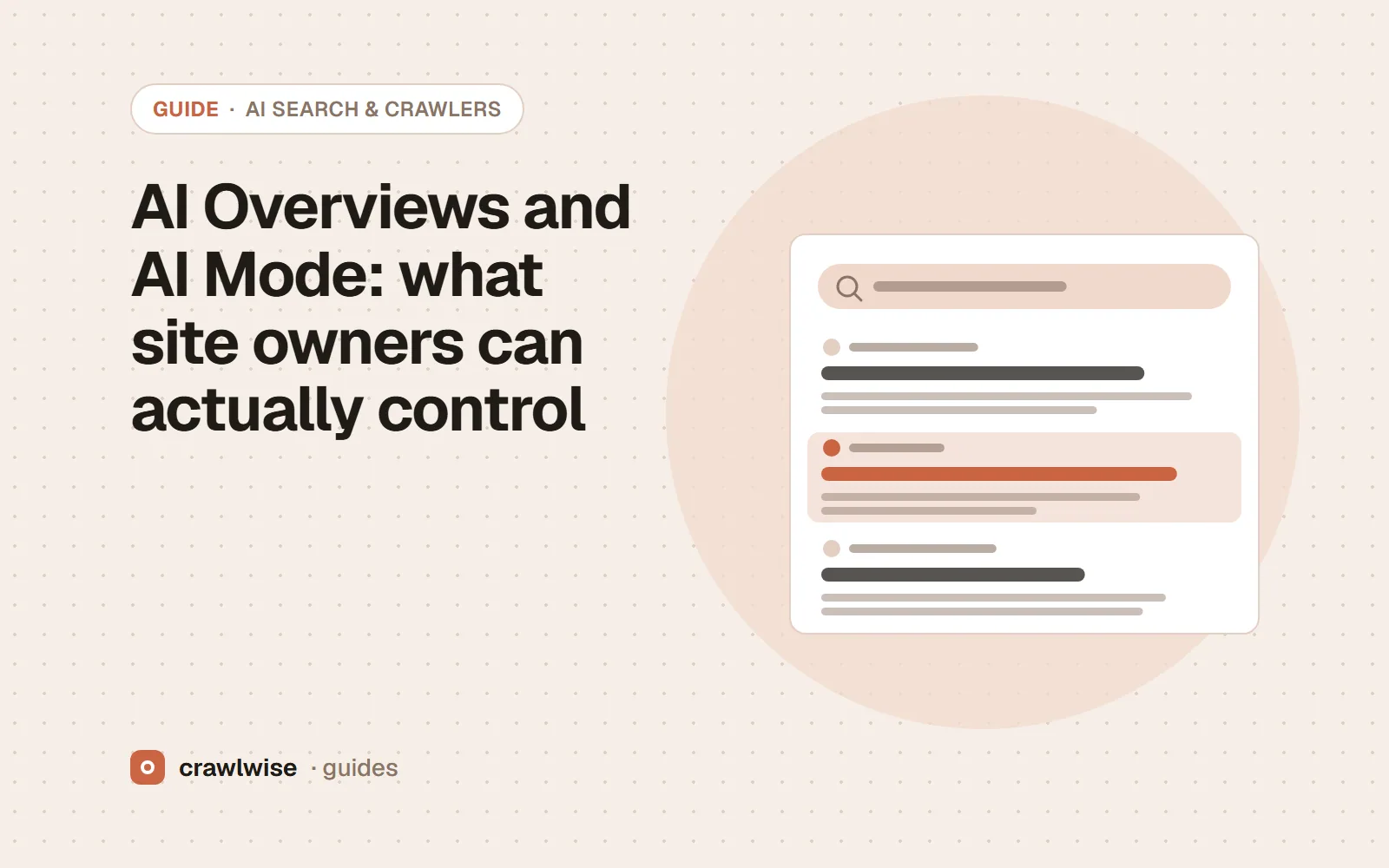
You control AI Overviews and AI Mode with the same tools as regular Google Search. Google says no special file, markup or schema is needed. To limit use, nosnippet, max-snippet and data-nosnippet also limit what feeds these features, and noindex removes the page. Google-Extended does not affect them; it governs Gemini training and grounding.
Key takeaways
- Eligibility is the same as for a regular snippet: indexed and snippet-eligible.
- nosnippet and max-snippet limit AI Overviews and AI Mode input as well as snippets.
- data-nosnippet hides specific passages without hiding the whole page.
- Google-Extended does not remove you from AI Overviews.
AI Overviews and AI Mode are features of Google Search, not separate products with separate rules. That makes the list of controls short, and it means the trade-offs are shared with your regular search snippets.
What does a page need to appear in AI Overviews?
Google: “To be eligible to be shown as a supporting link in AI Overviews or AI Mode, a page must be indexed and eligible to be shown in Google Search with a snippet.” Beyond that, “there are no additional requirements to appear in AI Overviews or AI Mode, nor other special optimizations necessary,” and “you don’t need to create new machine readable files, AI text files, or markup.” The usual SEO basics — crawlable, indexable, helpful content — are the whole list.
Which controls limit what AI Overviews can use?
| Control | Effect in AI Overviews and AI Mode | Also affects |
|---|---|---|
nosnippet | Content is not used “as a direct input for AI Overviews and AI Mode” | No text snippet in regular results |
max-snippet:[n] | Limits “how much of the content may be used as a direct input” | Regular snippet length |
data-nosnippet | Marked passages are not used as snippets | Regular snippets, for those passages |
noindex | Page is not eligible at all | Removed from Google Search |
<!-- Whole page: no snippet, no direct AI Overviews input -->
<meta name="robots" content="nosnippet">

<!-- Whole page: snippets and AI input capped at 160 characters -->
<meta name="robots" content="max-snippet:160">

<!-- One passage kept out of snippets -->
<p>Public summary.</p>
<div data-nosnippet>Pricing detail we only want read on the page.</div>
Google notes that data-nosnippet may be read before or after rendering, so put it in the server HTML rather than adding it with JavaScript. The same rules can be sent as an X-Robots-Tag HTTP header for PDFs and other non-HTML files.
There is no AI Overviews switch. Every lever you pull also moves your regular snippet, so pull the smallest one.
Adnan Arodiya, Crawlwise
Does Google-Extended keep content out of AI Overviews?
No. Google-Extended controls whether content Google crawls may be used to train Gemini models and to ground answers in Gemini Apps and Vertex AI. Google says it “does not impact a site’s inclusion in Google Search nor is it used as a ranking signal.” In the Crawlwise AI Crawler Access Report (top-10000 run, 2026-Q4: the first 10,000 domains of the Cisco Umbrella top-one-million list, each probed once on October 1, 2026), 769 of the 1,837 domains with a readable robots.txt (41.9%) disallow Google-Extended at the homepage; on its own, that rule changes nothing about their eligibility for AI Overviews. The list ranks hostnames by DNS popularity, so it includes API, CDN and update hosts that never serve a web page, and only the homepage path was probed. Treat the shares as a description of that list, not of the whole web.
How do you measure AI Overviews traffic?
Google says sites appearing in AI features are included in the overall search traffic in Search Console’s Performance report, under the Web search type. There is no separate AI Overviews filter in that report, so look for changes in clicks and impressions on the queries where you know an overview appears.
What should most sites do?
Nothing special. Keep pages indexable, put a clear answer in the server HTML, and use data-nosnippet for the few passages you do not want quoted. Reserve nosnippet for pages where the snippet itself is a problem, because it removes the regular snippet too. The same “no special file” stance applies to llms.txt — see does llms.txt affect Google Search?
How Crawlwise tests this
A full Crawlwise audit reads the robots and googlebot meta directives, the X-Robots-Tag header and any data-nosnippet attributes on the page, and reports which snippet limits are in force. For the header alone, the HTTP status checker shows the X-Robots-Tag each URL ends with, and the meta tag generator writes robots directives for you. The AI crawler checker shows your Google-Extended setting next to the other AI agents so the two questions do not get confused.
Every verdict, what counts as a block, and what the checks cannot see are written up on the methodology page.
What a plan actually costs
The free tools stay free. You can open them, run them, and leave without an account. A plan is for the moment you want the report saved, a few sites watched, or the same checks from the API. The price on this table is the price at checkout. A yearly plan is ten months of the monthly price, so two months are on us.
| Plan | Monthly | Credits | A good fit when |
|---|---|---|---|
| Starter | $4.99 | 10 | You look after one site and check it now and then |
| Pro | $14.99 | 40 | A few sites, plus the API and a handful of watched URLs |
| Studio | $49.99 | 150 | Client work that would burn through Pro mid-month |
| Agency | $99.99 | 400 | Many locations, reported under your own name |
A single-page audit is about 1.25 credits, and that includes the live probe of answer-engine crawlers. You see the estimate before anything runs. If a hold is not used, it comes back to your balance. Extra credits, when you already subscribe, are $9.99 for 20.
Frequently asked questions
Can I opt out of AI Overviews but keep normal snippets?
Not with a dedicated switch. Google’s documented controls — nosnippet, max-snippet, data-nosnippet and noindex — affect regular snippets and AI features together.
Do I need special schema for AI Overviews?
No. Google says there is no special schema.org structured data you need to add to appear in AI Overviews or AI Mode.
Where do I see AI Overviews traffic?
Google says traffic from AI features is included in the Search Console Performance report under the Web search type. It is not broken out separately there.
Sources
Vendor documentation was read on 2026-10-05. Vendors change these pages without notice, so check the original before you act on a detail.
- Google Search Central — AI features and your website
- Google Search Central — AI optimization guide
- Google Search Central — Robots meta tag, data-nosnippet, and X-Robots-Tag specifications
- Google Search Central — Control your snippets in search results
- Google Search Central — Google common crawlers (Google-Extended)
- Crawlwise — The AI Crawler Access Report (top-10000 run, 2026-Q4)
Crawlwise vs a typical SEO suite
Price to start
- Crawlwise
- Free tools, plans from $4.99
- Typical suite
- $139+ typical suite
What you see
- Crawlwise
- The check, the value, the limit
- Typical suite
- Often a score
Answer-engine crawlers
- Crawlwise
- Fetched live, per bot
- Typical suite
- Rarely tested
Backlink index
- Crawlwise
- Not what we built
- Typical suite
- A core product
Whole-site desktop crawl
- Crawlwise
- Bounded pages on a plan
- Typical suite
- Often the whole catalogue
Meet the author

Adnan Arodiya
Crawlwise
Writes about what Crawlwise actually measures: on-page evidence, crawler access, and performance signals — with the limits stated up front.