Using Heading checker before you publish
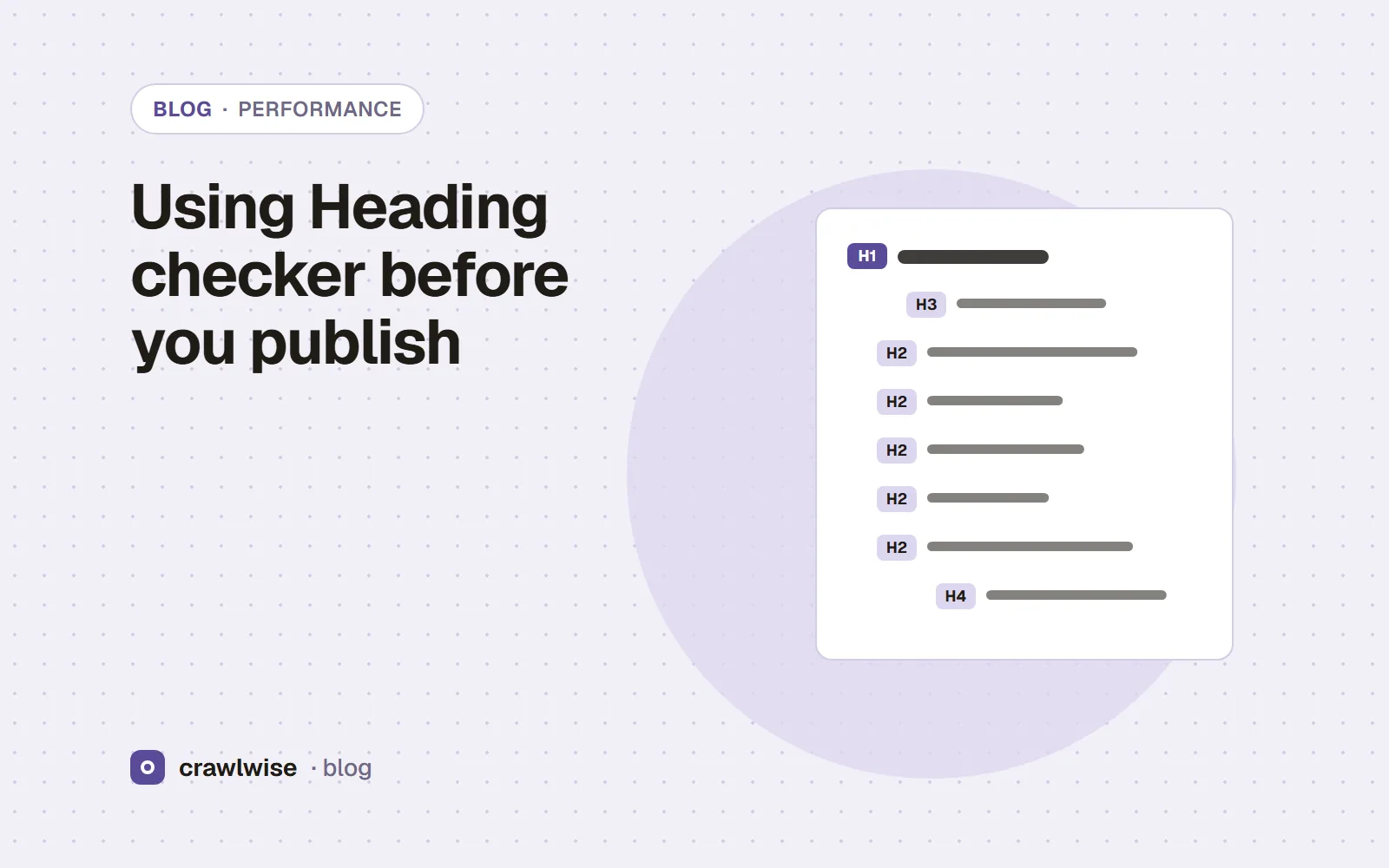
The heading checker lists every H1 to H6 in source order and notes the H1 count, empty headings, skipped levels and hidden headings — as observations, not errors. On 5 October 2026 Wikipedia, GOV.UK and MDN each had one H1 and no skipped levels; on Wikipedia and GOV.UK an H2 came before the H1 in the source.
Key takeaways
- Wikipedia SEO article: 16 headings, 1 H1; first heading in source is H2 “Contents”.
- GOV.UK homepage: 43 headings, 1 H1 (sixth in source), 6 marked hidden or aria-hidden.
- MDN HTTP page: 8 headings, H1 first, no jumps.
- Google: “it doesn't matter if you're using them out of order”, and there is no ideal number of headings.
Heading rules are among the most confidently stated and least documented in SEO. We listed the headings on three well-built pages and checked the usual rules against Google’s own words.
What heading structure do well-built pages use?
| Page | Headings | H1 | Level jumps | Notes |
|---|---|---|---|---|
| en.wikipedia.org/wiki/Search_engine_optimization | 16 | 1 | 0 | Source starts with H2 “Contents”, then H1 “Search engine optimization” |
| www.gov.uk | 43 | 1 | 0 | H2 “Cookies on GOV.UK” and “Navigation menu” and three H3s precede the H1; 6 headings hidden or aria-hidden |
| developer.mozilla.org/en-US/docs/Web/HTTP | 8 | 1 | 0 | H1 “HTTP: Hypertext Transfer Protocol” first, then H2 and H3 sections |
Listed on 2026-10-05. An H2 before the H1 is normal on pages with a cookie banner or a table of contents ahead of the article; a strict “H1 must come first” rule would flag two of these three sites.
Does heading order matter for Google?
Google’s SEO Starter Guide: “Having your headings in semantic order is fantastic for screen readers, but from Google Search perspective, it doesn't matter if you're using them out of order.” And: “There's also no magical, ideal amount of headings a given page should have.” Good structure is for readers and assistive technology; that is reason enough to keep it, and no reason to panic over a jump.
What does “hidden” mean in the results?
GOV.UK had six headings inside elements marked hidden or aria-hidden="true" — menu and banner content that appears on interaction. The checker detects those attributes; it cannot see CSS, so a heading hidden by a stylesheet is listed as if visible. Its own observation says so: “Whether CSS hides others cannot be seen from the HTML alone.”
Headings are a table of contents for your reader. Fix the ones that confuse a person; ignore the rules that only confuse a linter.
Adnan Arodiya, Crawlwise
What can the Heading checker not tell you?
These are the tool’s own limits, shown above it on its page too:
- Heading order and the number of H1s are not Google ranking requirements. Several H1s or a jump from H2 to H4 are reported as observations, and the tool gives no score.
- It reads the source HTML. Headings a script adds after load are not in the source and are not listed.
- It cannot see CSS. A heading hidden with a stylesheet is listed as if it were visible; only the hidden and aria-hidden attributes are detected.
- It does not judge whether a heading describes its section well. That is an editorial call, and it is yours.
How Crawlwise checks this
The heading checker fetches the page, rejects non-HTML responses, and lists up to 300 headings in source order with level and text (using image alt text when a heading contains only an image). It reports the H1 count, empty headings, level jumps such as H2 to H4, and headings inside hidden or aria-hidden elements. It gives no score and does not run JavaScript.
What each check reads, what counts as a failure, and what the checks cannot see are written up on the methodology page.
What a plan actually costs
The free tools stay free. You can open them, run them, and leave without an account. A plan is for the moment you want the report saved, a few sites watched, or the same checks from the API. The price on this table is the price at checkout. A yearly plan is ten months of the monthly price, so two months are on us.
| Plan | Monthly | Credits | A good fit when |
|---|---|---|---|
| Starter | $4.99 | 10 | You look after one site and check it now and then |
| Pro | $14.99 | 40 | A few sites, plus the API and a handful of watched URLs |
| Studio | $49.99 | 150 | Client work that would burn through Pro mid-month |
| Agency | $99.99 | 400 | Many locations, reported under your own name |
A single-page audit is about 1.25 credits, and that includes the live probe of answer-engine crawlers. You see the estimate before anything runs. If a hold is not used, it comes back to your balance. Extra credits, when you already subscribe, are $9.99 for 20.
Frequently asked questions
Is having two H1s bad for SEO?
Google says the number and order of headings do not matter for Search. The checker reports multiple H1s as an observation, not an error.
Why is a heading listed that I cannot see on the page?
It may be hidden with CSS, which the checker cannot see, or shown only on interaction. Only hidden and aria-hidden attributes are detected.
Does it check headings added by JavaScript?
No. It reads the source HTML the server returns.
Do I need a Crawlwise account to use the Heading checker?
No. Every tool in the free toolkit runs without sign-up, card, or email. Saved history and site crawls need an account and credits.
Sources
We ran the tool’s own code on 2026-10-05 — safeFetch() and extractHeadings(), the functions behind /api/tools/headings — against en.wikipedia.org/wiki/Search_engine_optimization, www.gov.uk and developer.mozilla.org/en-US/docs/Web/HTTP, one request per URL from a single location. The outputs quoted above are copied from those runs. Sites change, so run the tool for today’s answer.
Documentation was read on 2026-10-05. Vendors change these pages without notice, so check the original before you act on a detail.
Crawlwise vs a typical SEO suite
Price to start
- Crawlwise
- Free tools, plans from $4.99
- Typical suite
- $139+ typical suite
What you see
- Crawlwise
- The check, the value, the limit
- Typical suite
- Often a score
Answer-engine crawlers
- Crawlwise
- Fetched live, per bot
- Typical suite
- Rarely tested
Backlink index
- Crawlwise
- Not what we built
- Typical suite
- A core product
Whole-site desktop crawl
- Crawlwise
- Bounded pages on a plan
- Typical suite
- Often the whole catalogue
Try it on your URL
Run the checks on your live site
Free tools answer one question. A full audit scores the page, tests answer-engine crawlers, and saves to history on a plan.
- Live crawler probes
- Core Web Vitals
- One free full audit
Meet the author

Adnan Arodiya
Crawlwise
Writes about what Crawlwise actually measures: on-page evidence, crawler access, and performance signals — with the limits stated up front.